
Offline 360 Videos: Process and Share Without Internet
Learn how Vizz360 processes and shares 360 videos offline to keep your operation running even with unstable internet at the event.



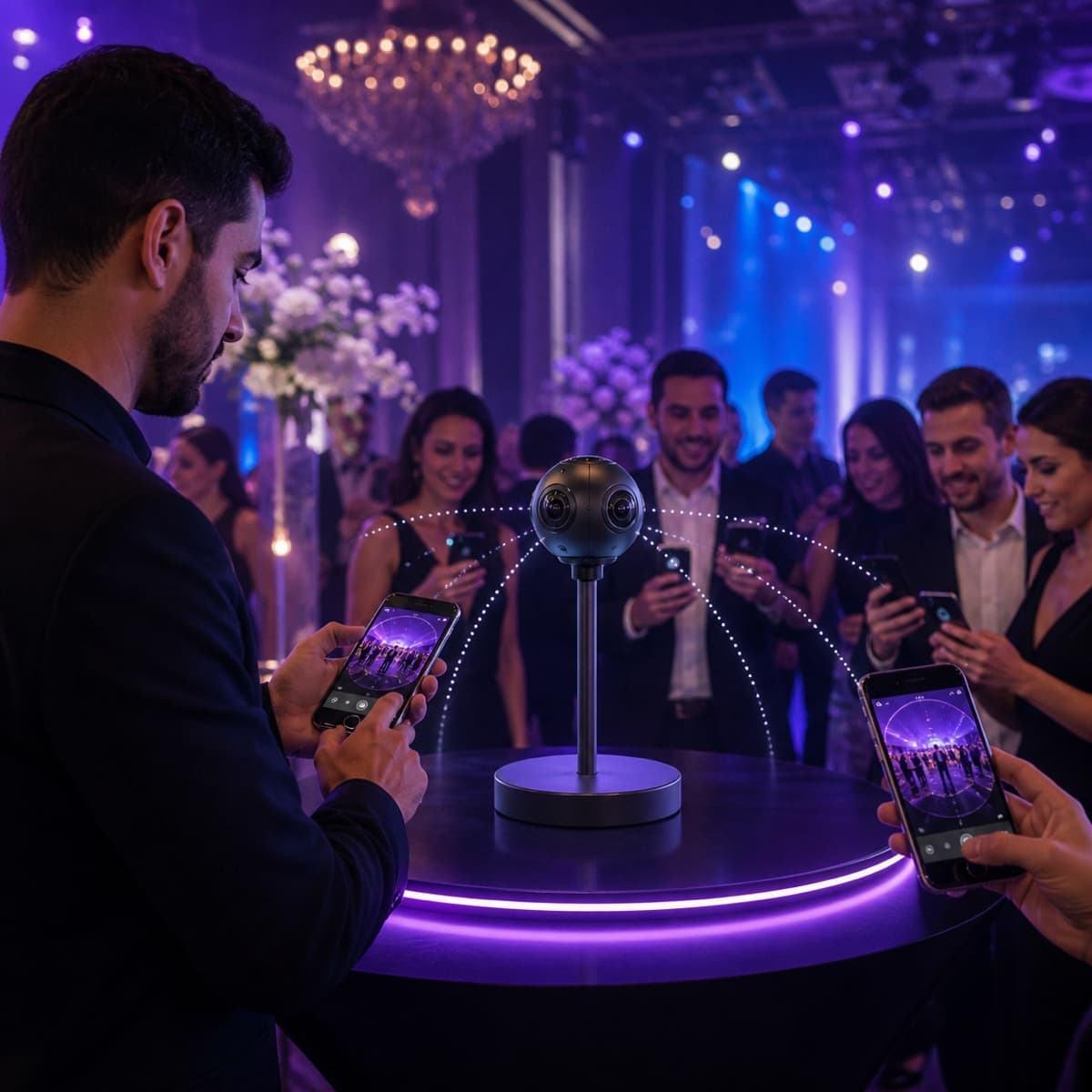
Can you operate a 360 photo booth without internet?
Yes. With Vizz360, video recording and processing happen right on the device. Your operation does not need to stop because the venue’s Wi-Fi is overloaded, the mobile signal is weak, or the event is taking place somewhere without internet.
The app also offers an offline sharing flow through a local network. This way, the guest can receive the video on-site without processing depending on the cloud.
It is important to separate the features:
- Recording, editing, and processing: work locally on the device.
- Offline delivery: can be done through Vizz360’s local sharing mode.
- WhatsApp, public link, and cloud sync: require internet access to complete the upload.
This difference lets you work confidently during the event and sync whatever is needed when the connection comes back.
Why does offline mode make a difference at events?
Event internet is often unpredictable. Many guests connected to the same network, thick walls, remote areas, and signal fluctuations can turn a simple upload into a queue.
When processing depends on an external server, each recording has to be uploaded to the internet before it is ready. In Vizz360, the heavy work happens on the phone itself. This reduces network dependency and keeps service moving.
In practice, the operator can:
- record the video on the 360 photo booth;
- apply the event’s visual setup;
- process the result on the device;
- show the preview to the guest;
- share through the local network when there is no internet;
- use WhatsApp, a link, or the cloud when the connection is available.
Local processing: the video is ready at the event
Local processing prevents every video from having to be sent to a server and then downloaded back when ready. Final speed varies depending on the device, duration, and selected quality, but file creation does not depend on internet quality.
This is especially useful for:
- weddings and parties at country venues;
- graduation parties in crowded halls;
- trade shows and activations with congested networks;
- outdoor events;
- traveling operations, where the network changes with every job.
The result is a more predictable operation. You prepare the equipment, test the flow, and do not have to hope the Wi-Fi cooperates during the event rush.
How does offline sharing work?
In offline mode, delivery uses a local connection between devices, without needing to send the video to the internet first. The guest accesses the content while they are near the event setup.
This feature is different from sending through WhatsApp. WhatsApp depends on internet; local sharing was designed specifically for moments when the network is not available or is not reliable.
When there is a connection, you can still use Vizz360’s other channels:
- QR code and WhatsApp;
- event link to gather the videos;
- cloud sync;
- later delivery to guests.
A safe workflow for working without internet
Before the event
- Update the app and complete login on a reliable network.
- Create the event, choose the music, and set the overlay.
- Make a full recording and test offline delivery.
- Check free space, battery, and device performance.
- Keep cables, chargers, and a second device ready.
During the event
- Record and process videos normally on the device.
- Use local sharing when the internet is unavailable.
- If the network is stable, also offer QR code, link, or WhatsApp.
- Avoid changing critical settings in the middle of the operation.
After the event
- Connect the device to a reliable network.
- Confirm synchronization of pending content.
- Validate that the event link is complete before sending it to clients.
Offline does not mean giving up the cloud
Offline mode keeps production running; the cloud complements the operation. When the connection comes back, online features help centralize videos and make the event history available.
This combination is more useful than relying exclusively on a single path: the operator continues serving guests on-site and can organize digital delivery afterward.
Android and iOS
Vizz360 is available for Android and iOS. Local connection behavior may vary depending on the device model and system permissions, so advance testing should be part of every event’s preparation.
Frequently Asked Questions
Is the video processed in the cloud?
Not in order to be ready at the event. The main processing happens locally on the device. Online storage and sync features come in later, when there is a connection.
Can you share without internet?
Yes. Vizz360 offers sharing through a local network. WhatsApp, public links, and cloud sync still depend on internet.
Do I need to test offline mode before the event?
Yes. Run a complete test with the devices that will be used. This confirms permissions, storage space, battery, and local connection compatibility.
Does offline mode work on Android and iPhone?
The app is available on both platforms. Since Android and iOS handle permissions and local connections differently, validate the flow on the version and device that will be used at the event.
Bring a 360 operation prepared for the reality of the event
Fast internet is welcome, but it should not be the single point of failure for your booth. With local processing and an offline delivery alternative, Vizz360 helps keep the line moving and guests receiving their videos.
See all Vizz360 features and build your workflow before the next event.
Download and test offline mode on your device
Before your next event, install Vizz360 and run a complete test of the offline flow you just learned about — record, process, and share locally, without depending on the venue’s internet.

Download Vizz360
Record, edit and share 360° videos in seconds, right from your phone. Free download for Android and iOS, with in-app purchases.


Related articles
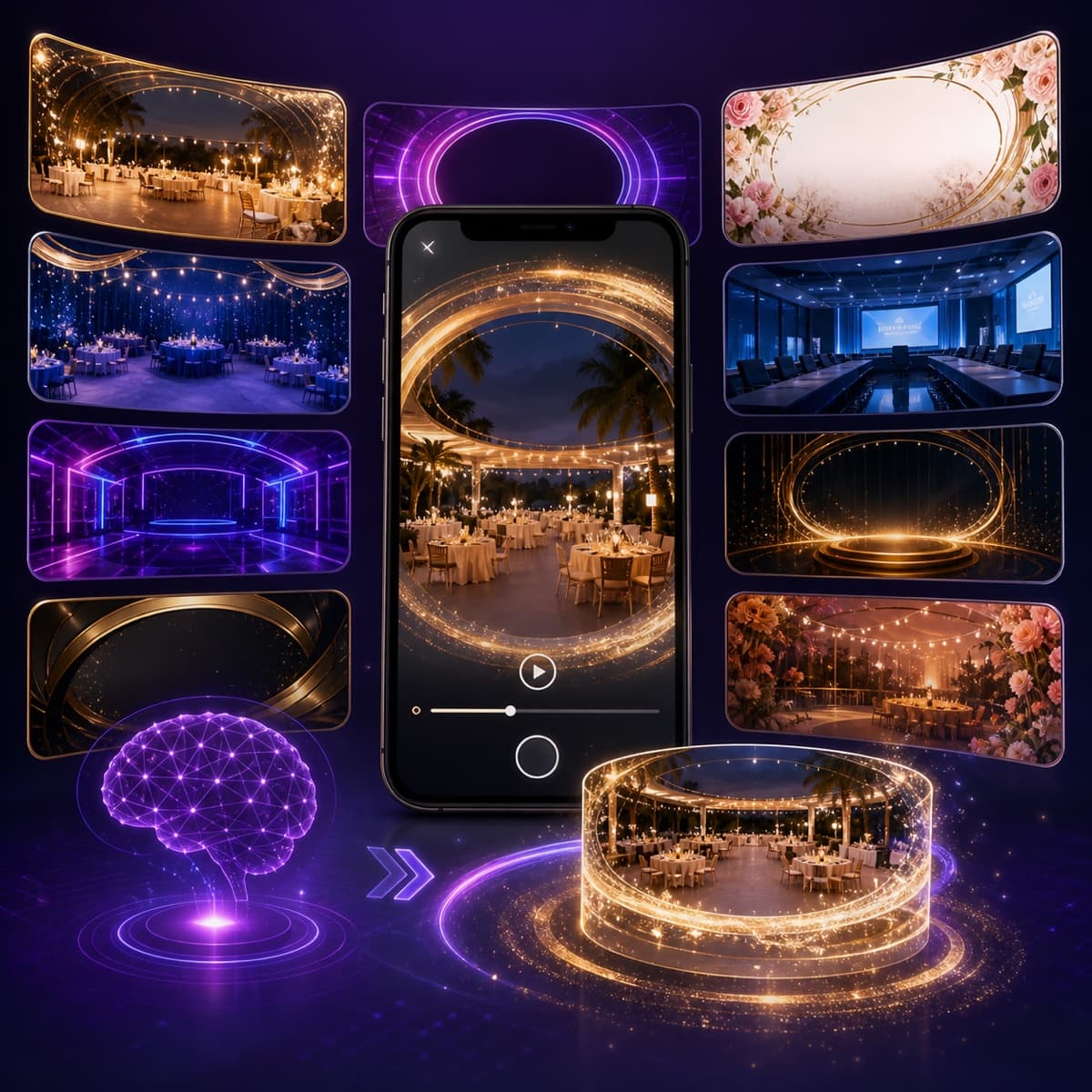
AI overlays for 360 photo booths: create without wasting time
Use the Vizz360 overlay library and artificial intelligence to quickly customize 360 videos with a strong visual identity for every event.
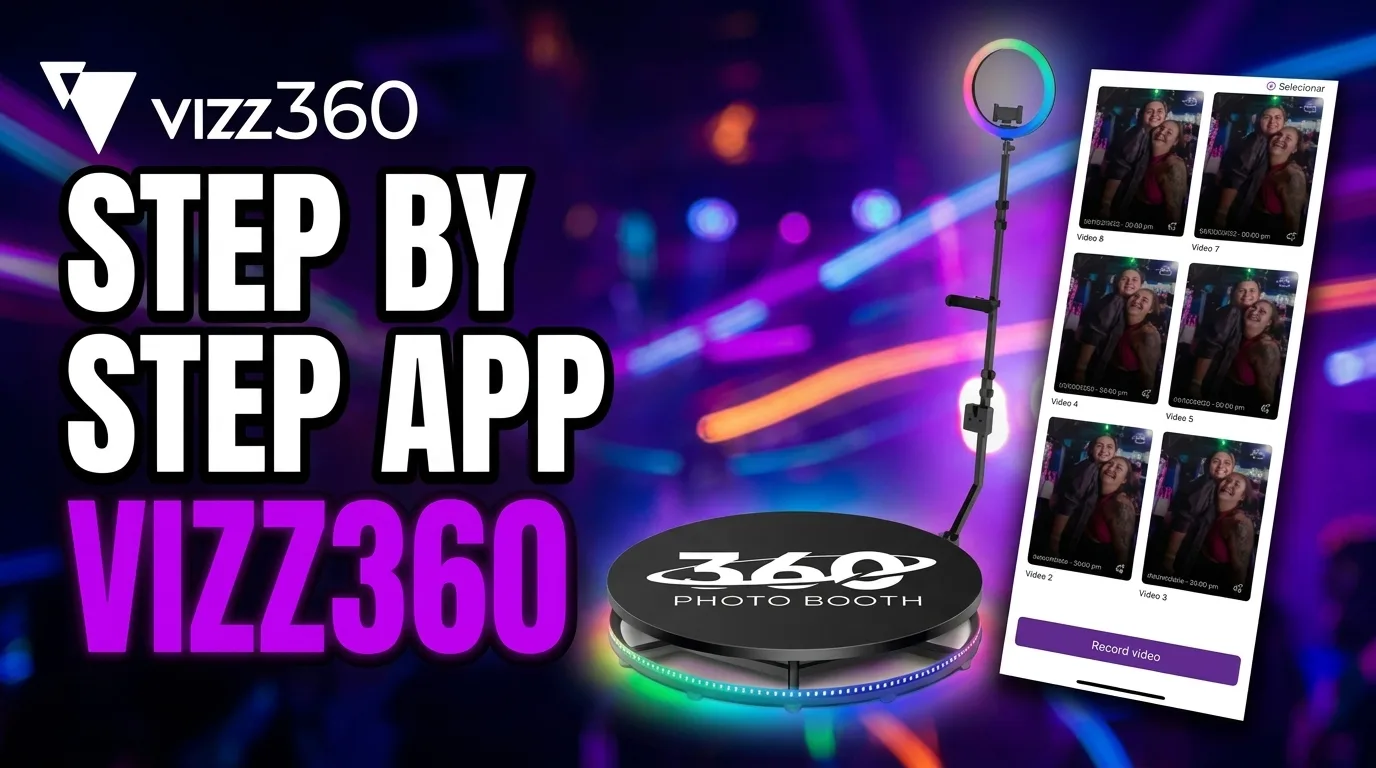
How to share an event with all videos
See how to share a complete event gallery in Vizz360. Generate one unique QR code or send the link to all videos at once.
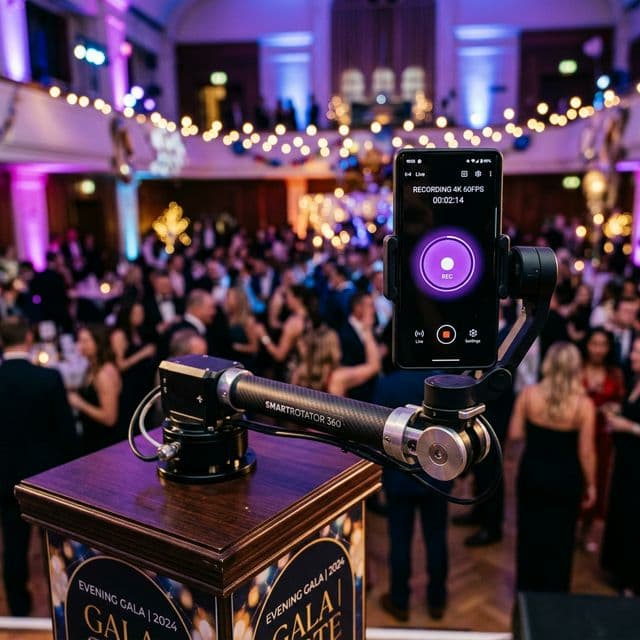
How to Record 360° Videos with Vizz360 — Complete Guide
Learn step by step how to set up Vizz360, position your phone on the 360 photo booth, and automatically record videos for your events.