
How to Record 360° Videos with Vizz360 — Complete Guide
Learn step by step how to set up Vizz360, position your phone on the 360 photo booth, and automatically record videos for your events.



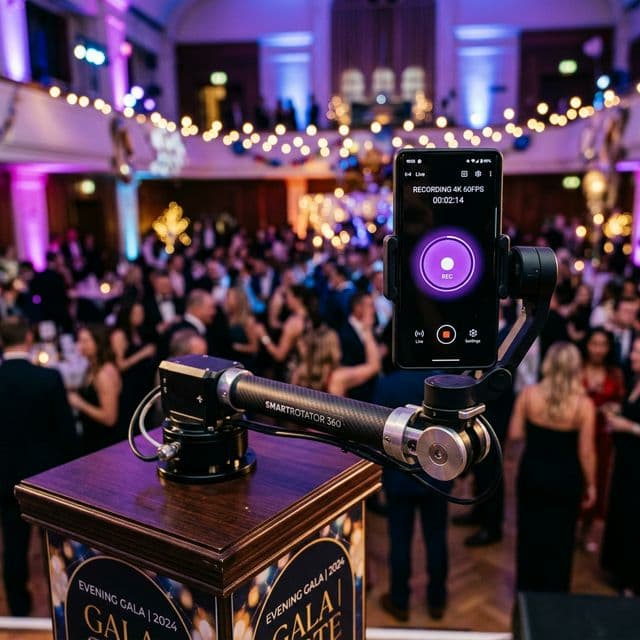
What is Vizz360?
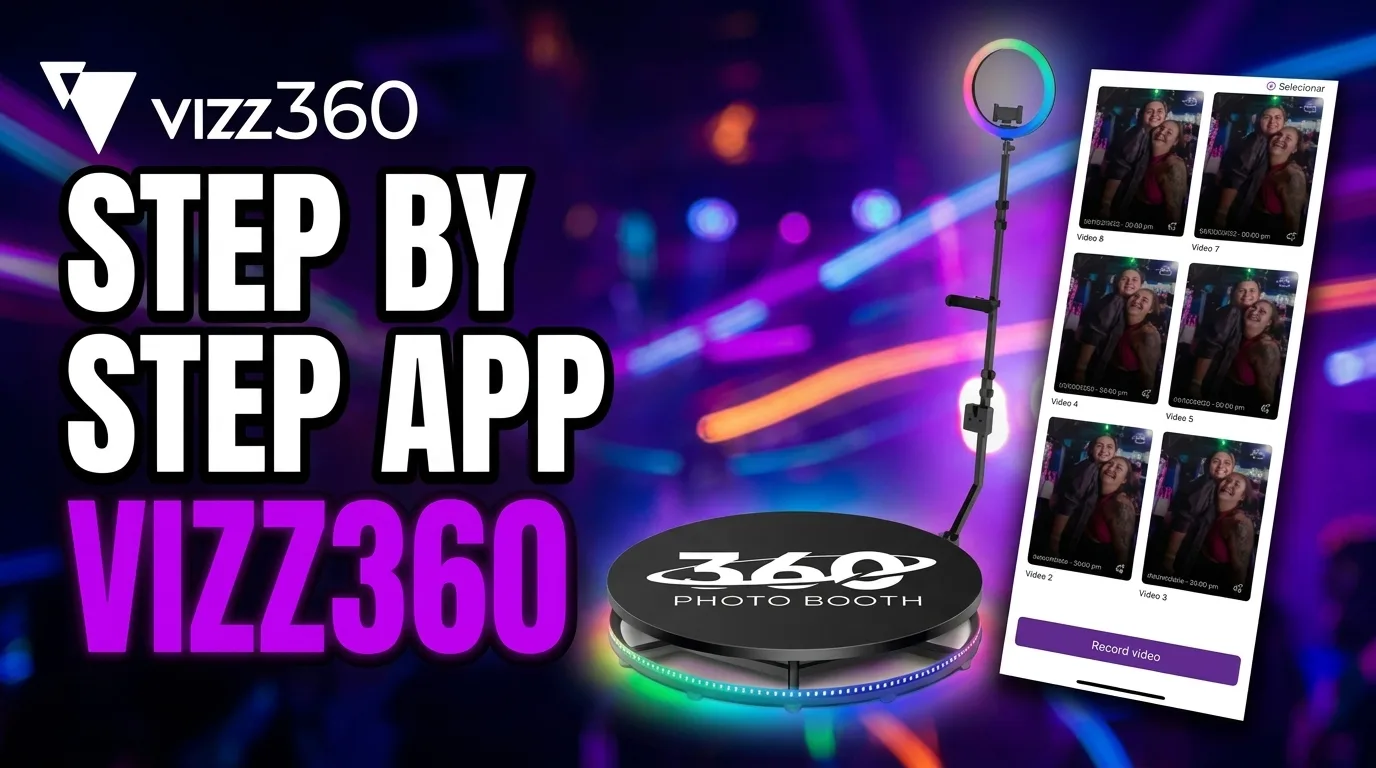
Vizz360 is the 360° photo booth app most used by event professionals in Brazil. With it, you can record, edit, and share videos in real time — all from your phone.
In this tutorial, I’ll show you how to set up the app from scratch and start recording in minutes.
Step 1: Download the app
Vizz360 is available for free on Google Play and the App Store:
Step 2: Create your account
When you open the app for the first time, you can create an account using:
- Email and password
- Sign in with Google
Creating an account is quick and allows your videos to be automatically saved to the cloud.
Step 3: Create an event
Before recording, you need to create an event. Inside the event, you define:
- Event name (e.g., "João & Maria’s Wedding")
- Custom overlay — choose or create a visual overlay
- Background music — select a soundtrack
- Recording settings — duration, quality, speed
Step 4: Position the phone
Set up your 360 photo booth and position the phone in the mount. Vizz360 uses motion detection: as soon as the platform starts spinning, recording starts automatically.
Tips for better quality:
- Use a phone with a good-quality camera
- Make sure the environment is well lit
- Position the phone at the center height of the body
Step 5: Share instantly
After recording, the video is processed automatically. You can share it in two ways:
- QR code — the guest points their camera and downloads the video
- WhatsApp — send it directly through the app
Conclusion
Vizz360 was designed to be simple and fast. In less than 5 minutes, you can set everything up and start impressing your clients.
Have any questions? Contact us on our Instagram @vizziam or through our YouTube channel.
Ready to record your first video?
You’ve just seen the complete step-by-step process — from installation to delivery to the guest. If you haven’t installed it yet, this is your next step: download Vizz360 and set up your first event in just a few minutes.

Download Vizz360
Record, edit and share 360° videos in seconds, right from your phone. Free download for Android and iOS, with in-app purchases.


Related articles
AI overlays for 360 photo booths: create without wasting time
Use the Vizz360 overlay library and artificial intelligence to quickly customize 360 videos with a strong visual identity for every event.
Offline 360 Videos: Process and Share Without Internet
Learn how Vizz360 processes and shares 360 videos offline to keep your operation running even with unstable internet at the event.
How to share an event with all videos
See how to share a complete event gallery in Vizz360. Generate one unique QR code or send the link to all videos at once.