
AI overlays for 360 photo booths: create without wasting time
Use the Vizz360 overlay library and artificial intelligence to quickly customize 360 videos with a strong visual identity for every event.



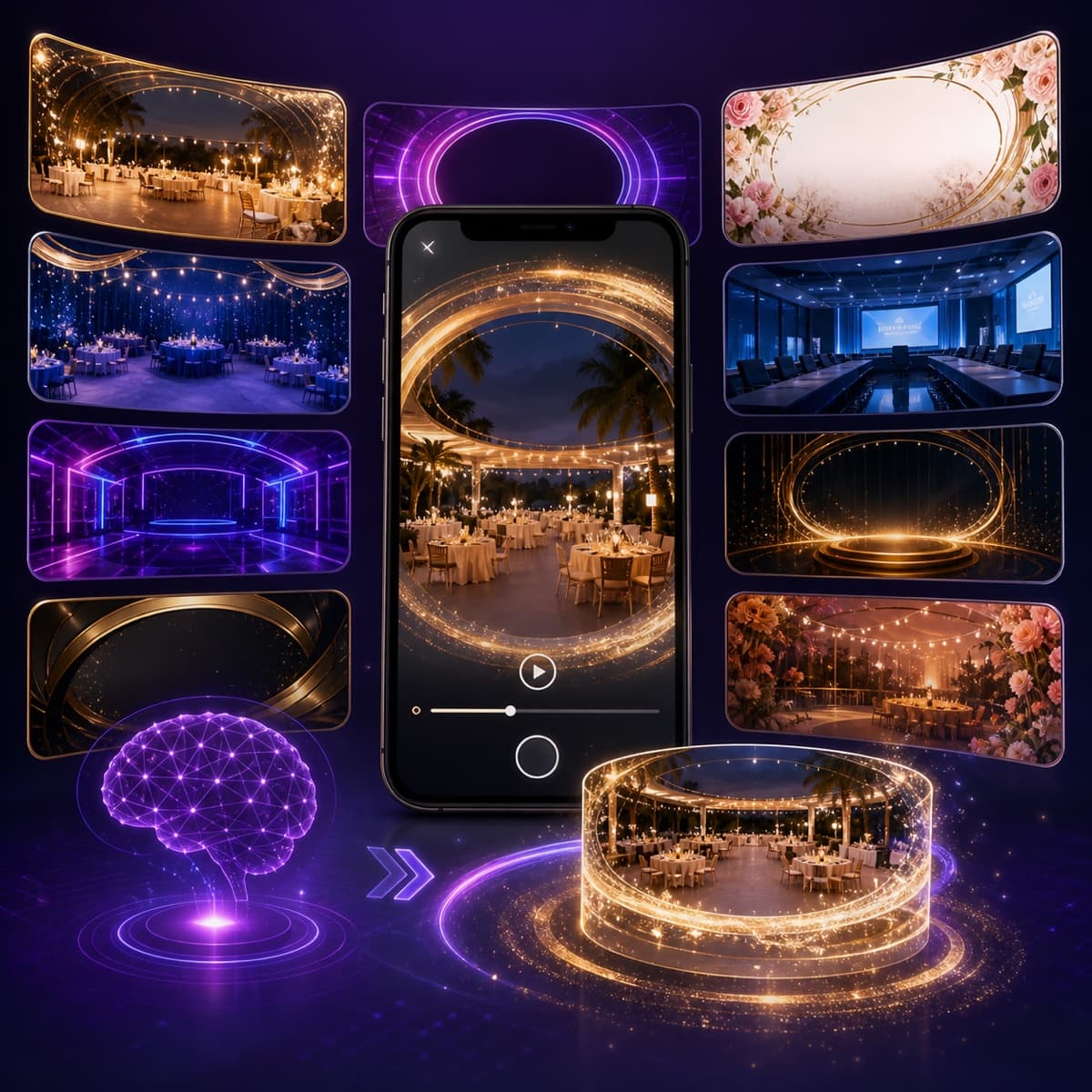
Professional overlays without starting from scratch every time
A good overlay turns a 360 photo booth video into both an event keepsake and a promotional piece for your client. The challenge is creating a fresh identity for every job without spending hours repeating the same design process.
Vizz360 brings together two ways to work:
- a library of ready-made overlays, so you can choose and apply one quickly;
- an AI-powered overlay generator, so you can create a custom option based on the event theme.
You can use a ready-made template, adapt the identity, or describe a completely new idea. The goal is to reduce prep time without making every event look like a copy of the last.
The overlay library speeds up preparation
Not every event needs artwork created from scratch. For many jobs, a ready-made, well-chosen composition gets the production done faster and more consistently.
The overlay library helps you:
- compare styles before choosing;
- find options for different types of events;
- keep alternatives ready for last-minute jobs;
- test readability before the operation;
- reuse visual structures without losing personalization.
After selecting the base, you can still adjust the necessary elements to match the occasion.
How AI creates a custom overlay
In the AI overlay generator, you describe the result you want and guide the system with information such as:
- event type and theme;
- main colors;
- visual style;
- overlay format;
- decorative elements;
- text or event name.
Artificial intelligence turns these instructions into a visual proposal. You review the result and can generate it again until you reach an option that works for the client.
The file is prepared as a PNG with a transparent background, the ideal format for placing the overlay on top of the video without covering the main recording area.
Examples of prompts for artificial intelligence
A clear prompt helps AI understand the creative direction. Instead of writing only “wedding overlay,” describe the mood and composition.
Elegant wedding
Vertical overlay for an evening wedding, elegant style, delicate gold details, white flowers in the corners, and a wide central space for the video.
Modern graduation party
Overlay for an engineering graduation party, modern look in navy blue and silver, geometric lines, subtle shine, and open space in the center.
Corporate event
Horizontal overlay for a product launch, tech-inspired style, brand colors, minimalist shapes, and space for the event name and logo.
Kids’ party
Cheerful vertical overlay for a children’s birthday party, bright colors, fun illustrations along the edges, and a clean center to highlight the people.
Avoid requesting copies of protected characters, brands, or works. Use references for style, colors, and atmosphere to create something original.
Ready-made overlay or AI-generated overlay?
The two options complement each other.
| Situation | Best approach |
|---|---|
| Last-minute event | Choose a ready-made overlay |
| Client without a defined identity | Compare templates from the library |
| Event with a specific theme | Create an overlay with AI |
| Brand with colors and visual direction | Generate a base and customize it |
| Operation with many events | Keep an organized library |
The library reduces repetitive work; AI handles requests that need something exclusive.
How to save time without losing quality
1. Gather the brief before creating
Ask the client for the correct event name, format, colors, logo, and approved references. AI does not fix an incomplete brief.
2. Protect the main area of the video
Important elements should stay on the edges. A beautiful overlay cannot cover guests’ faces or movements.
3. Test on the device that will be used at the event
Confirm aspect ratio, transparency, contrast, and readability. Make a real recording before considering the artwork ready.
4. Save reusable versions
Organize overlays by format, style, and event type. This library becomes an asset for your operation and speeds up future jobs.
More than decoration: identity for the 360 video
The overlay can carry the party name, the client’s colors, the sponsor’s signature, and the operator’s identity. When used well, it helps the video keep promoting the event after the guest shares the content.
That is why the best result combines three factors:
- recognizable visual identity;
- enough space for the video to breathe;
- quick readability on a phone screen.
Frequently asked questions
Do I need to know how to use professional design software?
No. The generator was created to turn natural-language instructions into an overlay ready for review. Design knowledge helps with the brief, but it is not required to get started.
Can I create a fully custom overlay?
Yes. You can define the theme, style, colors, format, and composition elements. The clearer the prompt, the more targeted the result will be.
Does the file have a transparent background?
Yes. The overlays are prepared as PNG files with transparency so they can be applied over photos and videos.
Does AI always deliver the perfect result on the first try?
No. Generation is a creative tool and may require review or a new attempt. Check text, visual details, transparency, and placement before using the artwork commercially.
Can I use the overlays in Vizz360?
Yes. The overlay can be part of the event’s visual setup in the Vizz360 flow. Run a complete test before the operation.
Prepare the identity for your next event
Start with the option library or describe the overlay you want to create. In just a few steps, you go from an idea to artwork ready for review and application.
Explore overlays and create with AI or learn about the Vizz360 app.
From ready-made overlay to recorded video
The overlay you just created truly comes to life when it becomes part of an event setup in Vizz360. It is the app that records the 360° video, applies the selected overlay, and delivers everything ready for the guest — with no need to edit afterward.

Download Vizz360
Record, edit and share 360° videos in seconds, right from your phone. Free download for Android and iOS, with in-app purchases.


Related articles
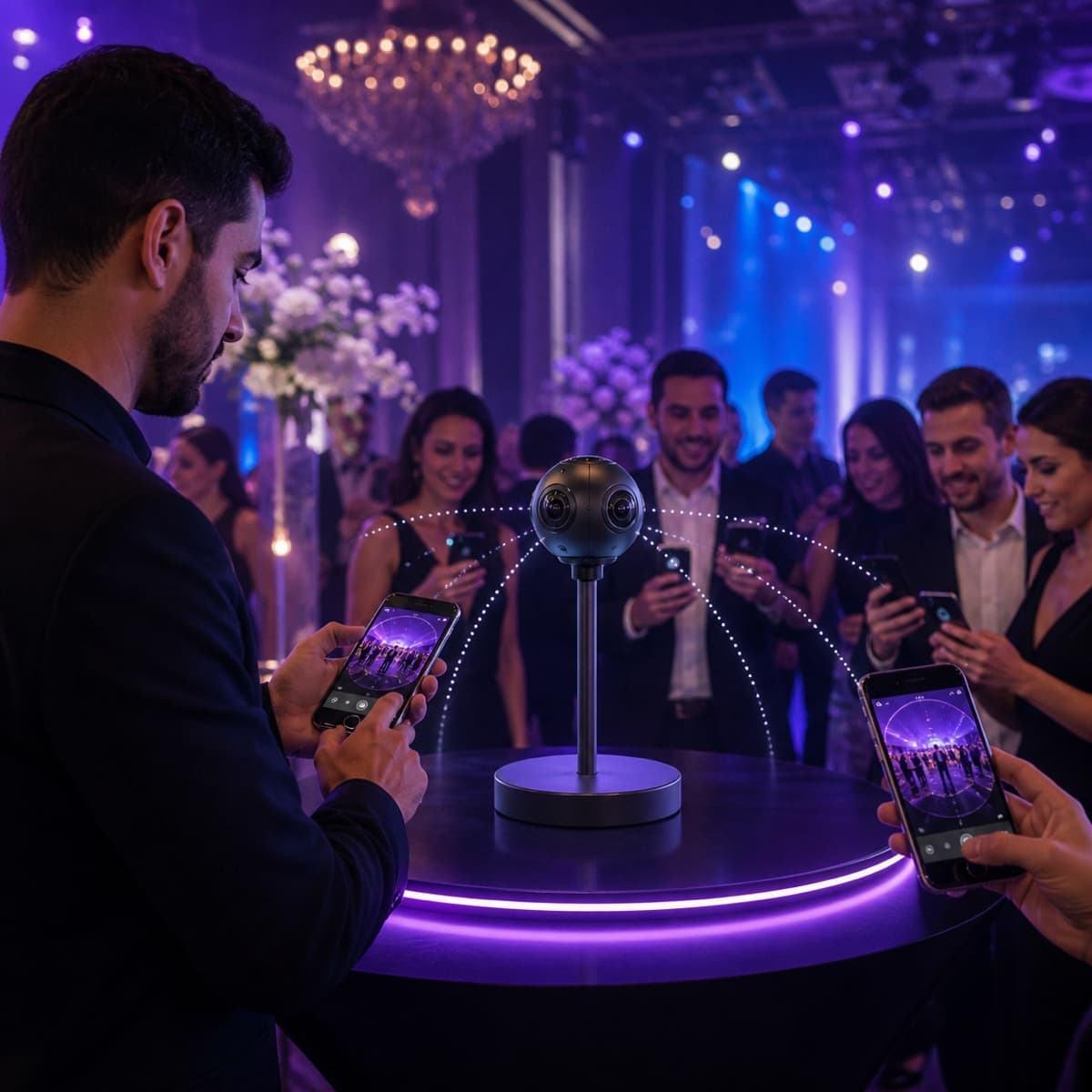
Offline 360 Videos: Process and Share Without Internet
Learn how Vizz360 processes and shares 360 videos offline to keep your operation running even with unstable internet at the event.
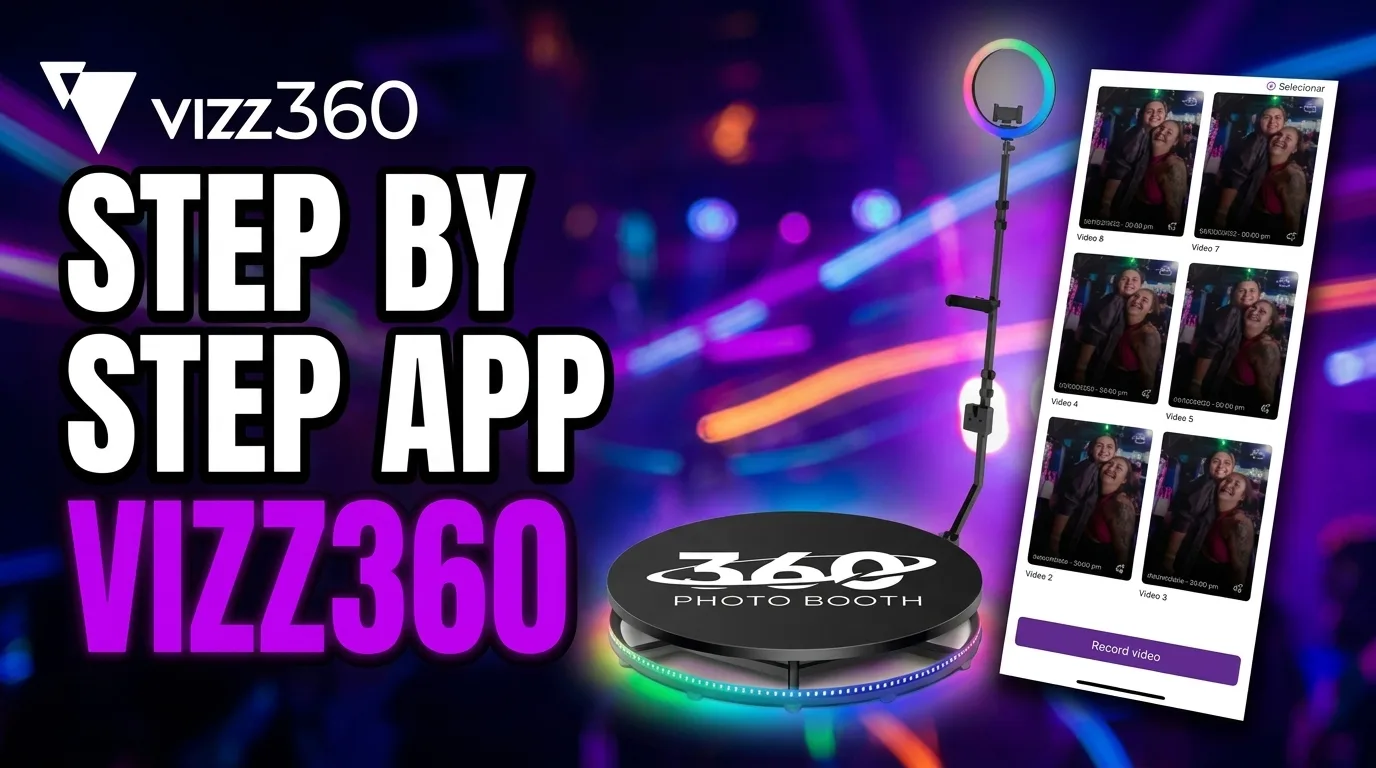
How to share an event with all videos
See how to share a complete event gallery in Vizz360. Generate one unique QR code or send the link to all videos at once.
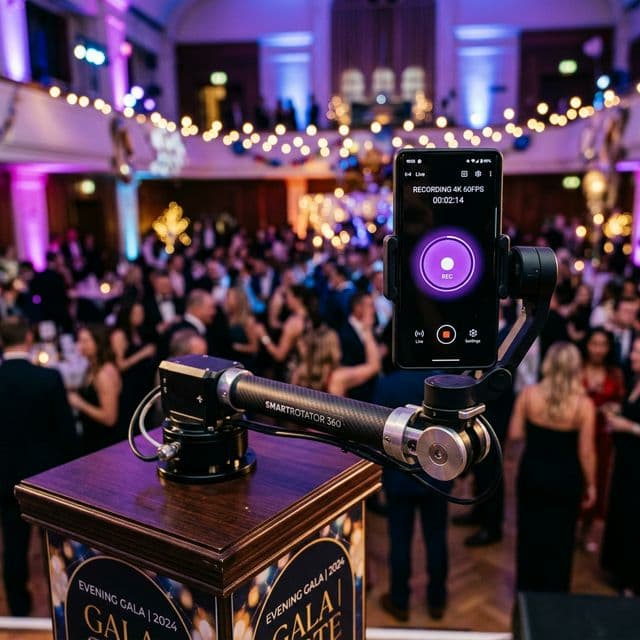
How to Record 360° Videos with Vizz360 — Complete Guide
Learn step by step how to set up Vizz360, position your phone on the 360 photo booth, and automatically record videos for your events.