
How to share an event with all videos
See how to share a complete event gallery in Vizz360. Generate one unique QR code or send the link to all videos at once.



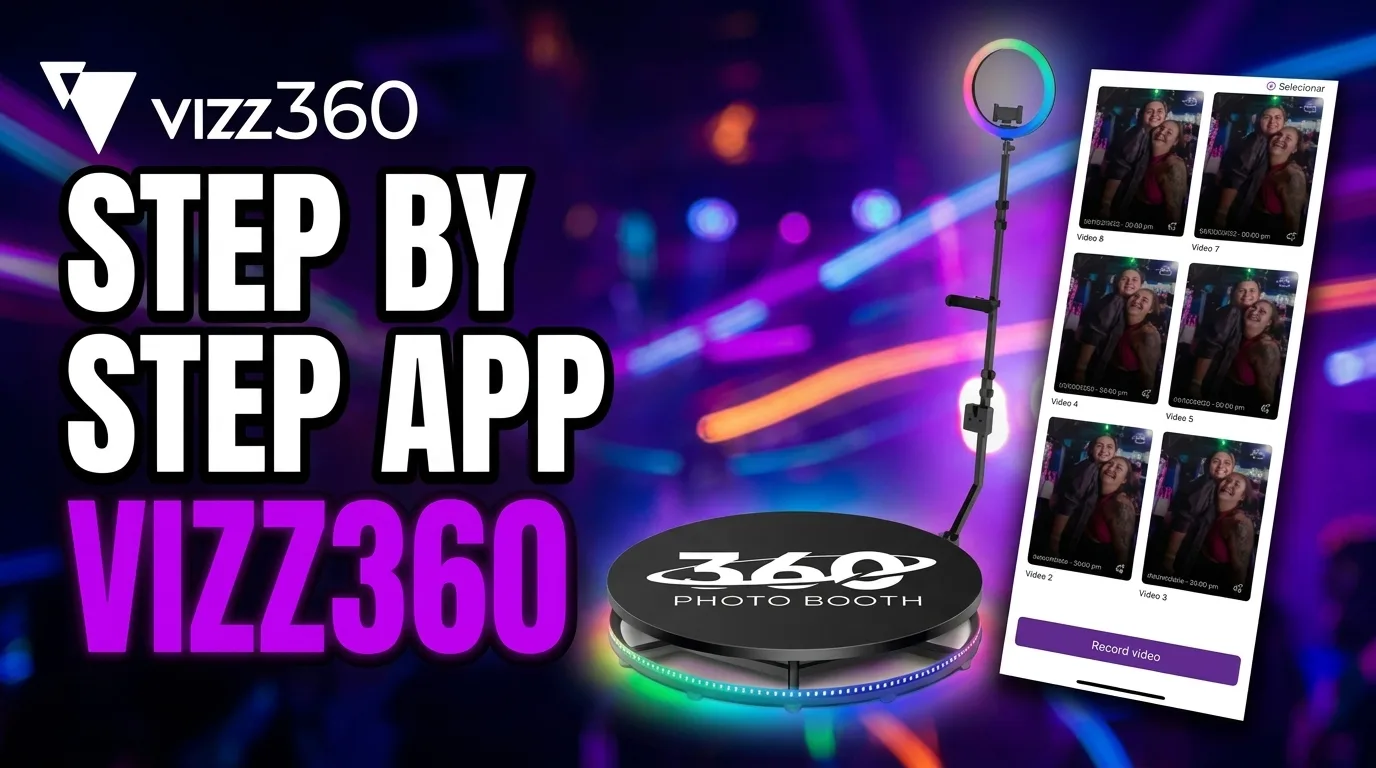
In Vizz360, organization is the key to running events efficiently. When you record multiple videos for the same client or party, they are all grouped inside a specific “folder”: the Event.
In this tutorial, you’ll learn how to share this complete video gallery quickly and professionally.
The Event structure
Think of the Event as a smart folder. Instead of sharing one video at a time, which takes a lot of time, you can give your clients or guests access to the full event experience.
Step 1: Find the share icon
On the app’s home screen (where you see the list of all created events), look at the top-right corner.
There, you’ll find a share icon (an envelope with an upward arrow). This icon is the gateway to your event’s public gallery.
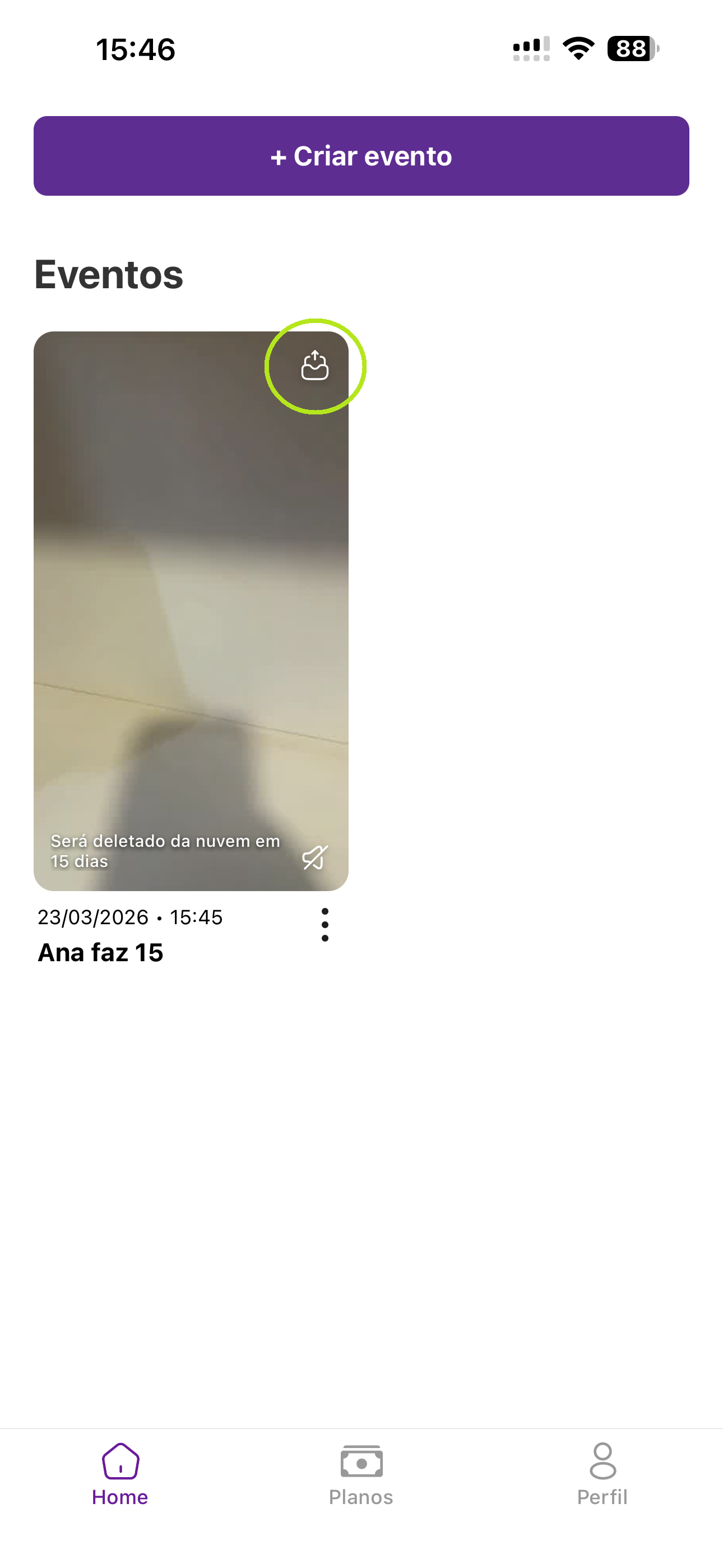
Step 2: Choose the sharing method
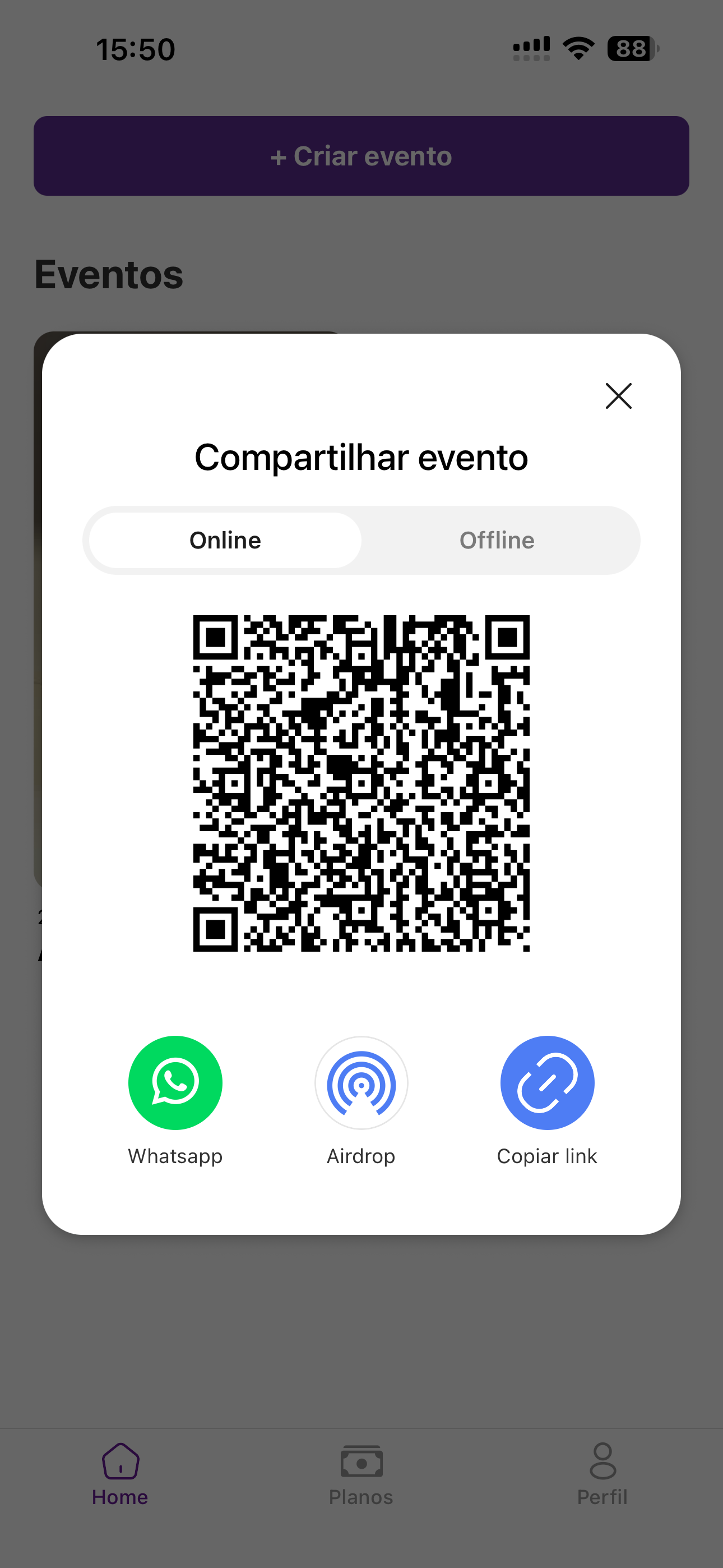
When you click the icon, an options screen will open. Vizz360 gives you three main ways to deliver the content:
- National QR Code: Perfect for kiosks or for leaving a tablet available so guests can simply point their camera and see all the event videos.
- WhatsApp: Send the gallery link directly to the organizer or to a group.
- Copy Link: Ideal for pasting into emails, social media, or your Instagram bio.
Why share the complete event?
- Speed: You deliver everything with just one click.
- User Experience: Guests browse a beautiful, organized gallery.
- Brand: It reinforces the professionalism of your event company.
Video Tutorial
To make it even easier, we’ve prepared a quick tutorial that shows the entire process in practice: from creating the event to recording and final sharing.
Pro Tip: QR Code at the End of the Event
One strategy often used by successful professionals is to print the event QR code and keep it visible on the 360 photo booth. That way, the flow of people moves better and everyone leaves with their videos secured.
Do you still have questions about managing your events? Talk to us on Instagram @vizziam.
This feature is already in your pocket
The gallery sharing you just saw is only one of the Vizz360 tools designed for the day-to-day work of anyone who records events. The same screen that generates the event QR code also handles recording, overlays, and sending videos to guests — all in one app, free to install.

Download Vizz360
Record, edit and share 360° videos in seconds, right from your phone. Free download for Android and iOS, with in-app purchases.


Related articles
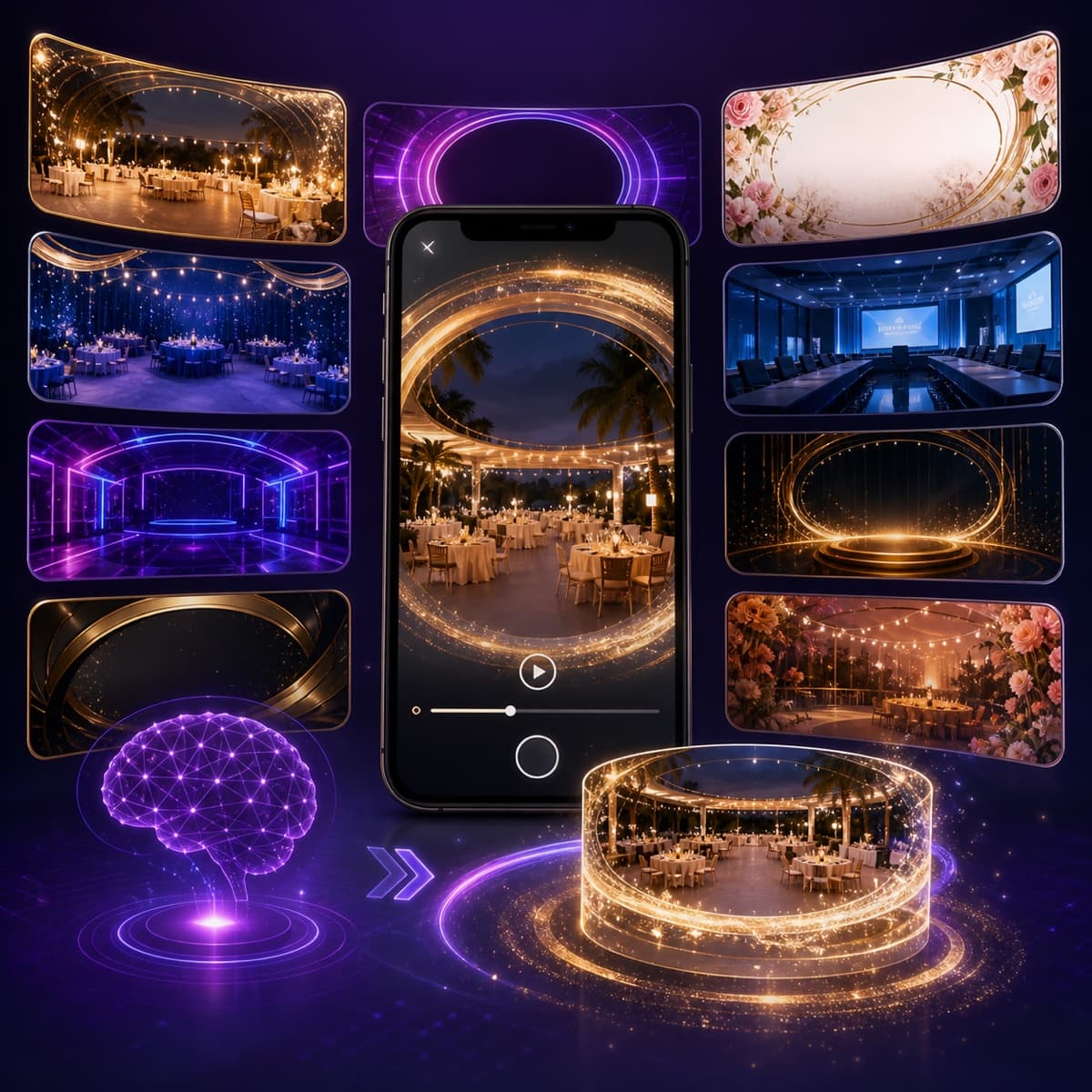
AI overlays for 360 photo booths: create without wasting time
Use the Vizz360 overlay library and artificial intelligence to quickly customize 360 videos with a strong visual identity for every event.
Offline 360 Videos: Process and Share Without Internet
Learn how Vizz360 processes and shares 360 videos offline to keep your operation running even with unstable internet at the event.
How to Record 360° Videos with Vizz360 — Complete Guide
Learn step by step how to set up Vizz360, position your phone on the 360 photo booth, and automatically record videos for your events.