
Which Files Can You Use for Kiosk Screens and Overlays?
Which Files Can You Use for Kiosk Screens and Overlays. See the Vizz360 steps, app screens and what to check before using it at an event.



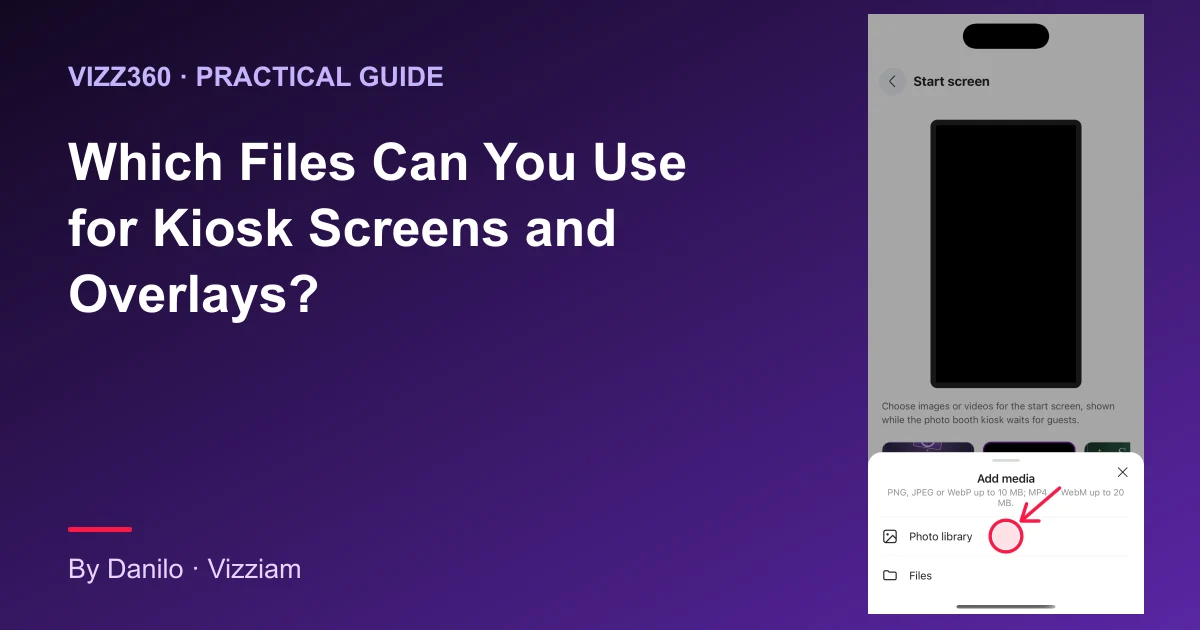
Artwork ready but the app will not accept the file? Kiosk screens and overlays have different requirements. Check format, size and transparency before importing to avoid last-minute rework.
Demonstration on the iPhone simulator, using Vizz360 7.39 and sample data. Some controls vary on Android and by plan.
Read the video steps
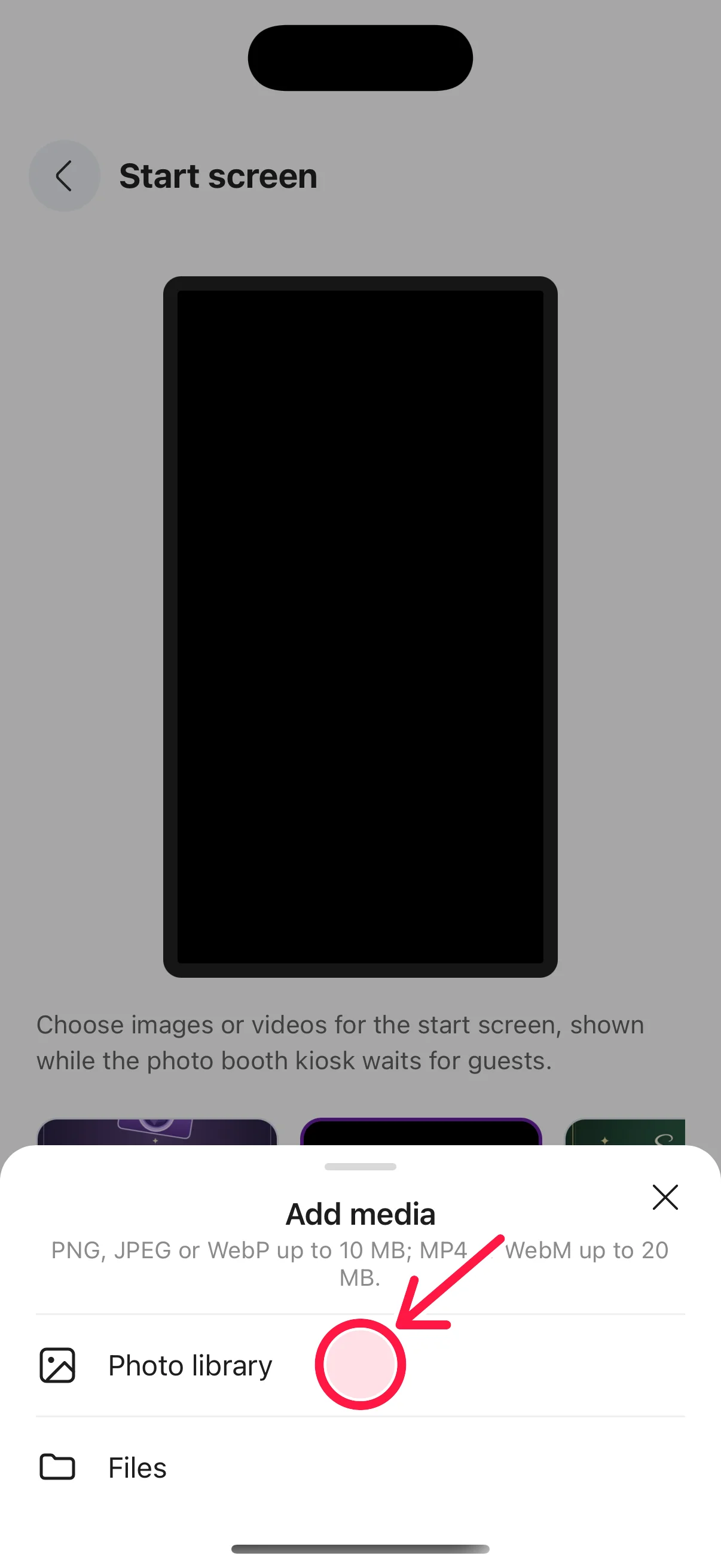
- Choose Photo library or Files to locate your media.
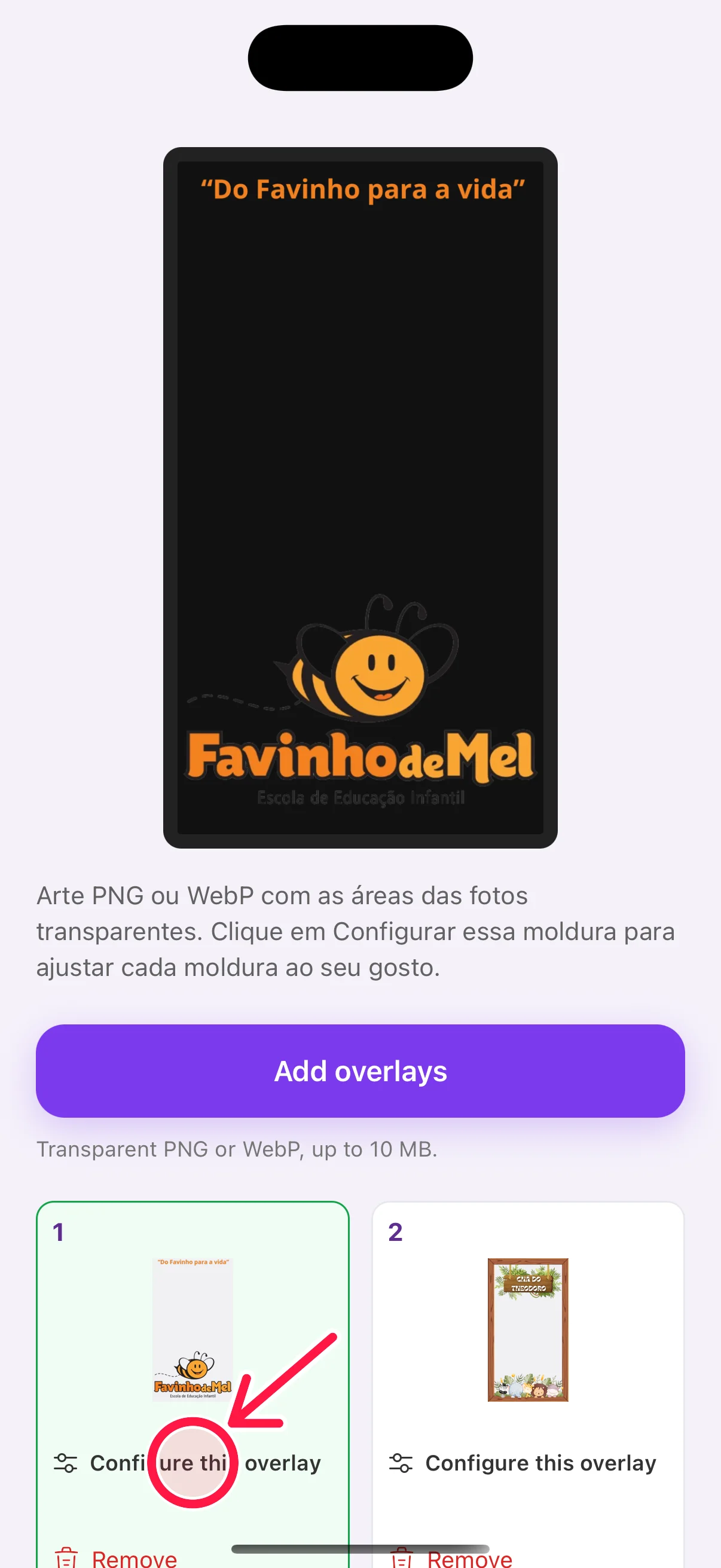
- Add the kiosk frames and review each option.
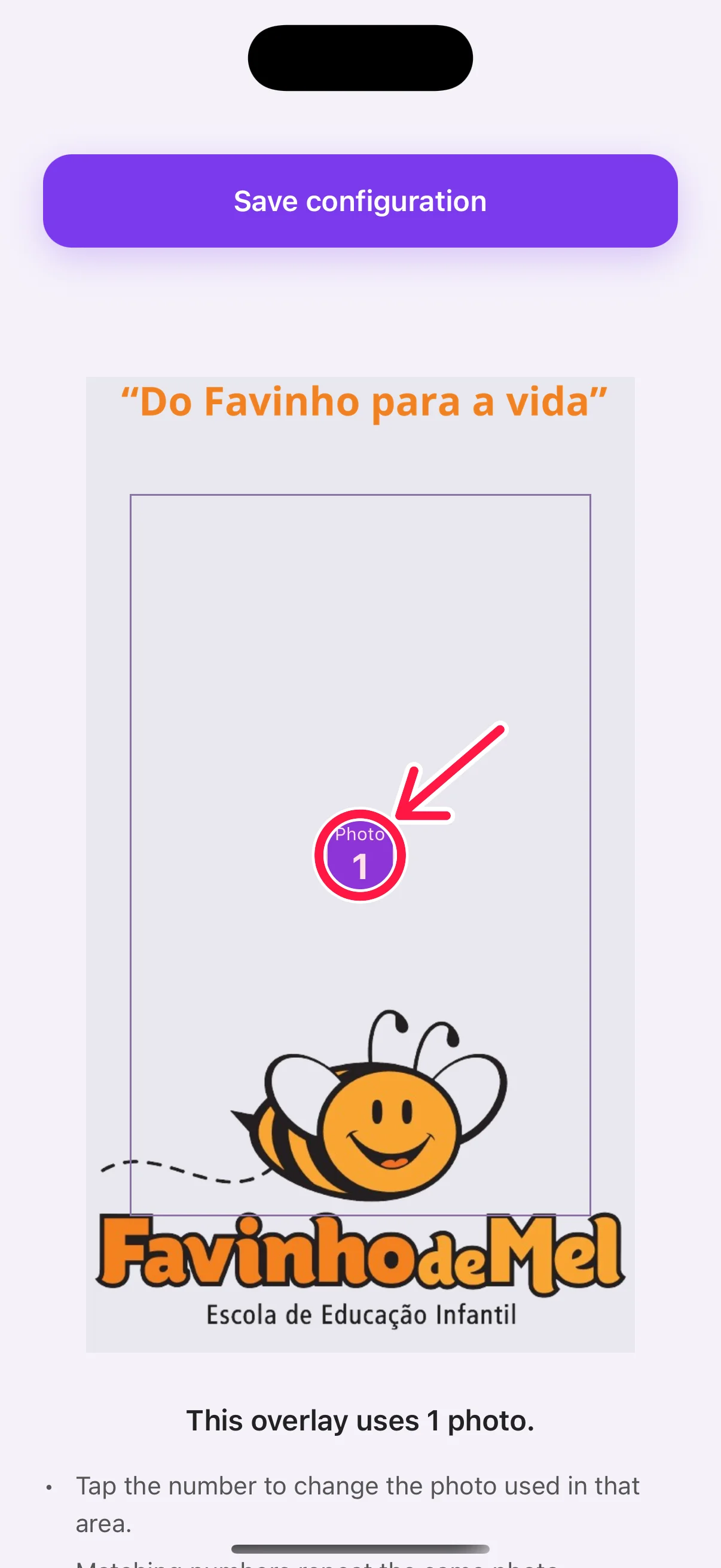
- Place the photo slots inside the frame’s transparent area.
Before you start
Prepare a test event and assets matching the installation orientation. Review the full guest experience after setup.
How to do it
-
For overlays, prepare transparent PNG or WebP up to 10 MB, with separate, identifiable photo areas.
-
For media screens, check the notice: PNG, JPEG or WebP up to 10 MB; MP4 or WebM up to 20 MB. Videos must be no longer than five minutes.
-
Import into the correct stage and review the preview in the event orientation. Test the file on the working device.
Where to tap in the app
Check the result
Check that the file opens, the artwork fits and the overlay retains transparency. Renaming a file extension does not convert the file.
If something does not go as expected
For photo-slot errors, review the separate transparent areas. For size or duration errors, export a version within the displayed limits.
Quick questions
Can a JPEG be a transparent overlay?
JPEG does not retain transparency. Use transparent PNG or WebP and check the slots in the editor.
Why might my screen look different?
Screenshots use working version 7.39 on iPhone. Controls and access may differ with the installed version, Android, device and plan. Check the path in your app and test before the event.
Continue in the app
Download Vizz360 for iPhone or Android using the buttons below. Prepare a test event and check this procedure before your next booking.
Also read: How to Choose TV Orientation for a Photo Booth Kiosk; How to Create a Photo Booth Kiosk Event in Vizz360; How to configure the photo spaces in the photo booth kiosk overlay.

Download Vizz360
Record, edit and share 360° videos in seconds, right from your phone. Free download for Android and iOS, with in-app purchases.


Related articles

How to Position and Resize the Kiosk Shutter Button
How to Position and Resize the Kiosk Shutter Button. See the Vizz360 steps, app screens and what to check before using it at an event.

How to Adjust Photo Framing Inside an AI Overlay
How to Adjust Photo Framing Inside an AI Overlay. See the Vizz360 steps, app screens and what to check before using it at an event.

How to Change Your Vizz360 Account Email
How to Change Your Vizz360 Account Email. See the Vizz360 steps, app screens and what to check before using it at an event.