
How to Create a Custom Link for Your Event
Create a custom link in Vizz360 with 3 to 30 letters, numbers, or hyphens. Check availability, Plus access, and the event’s final URL.



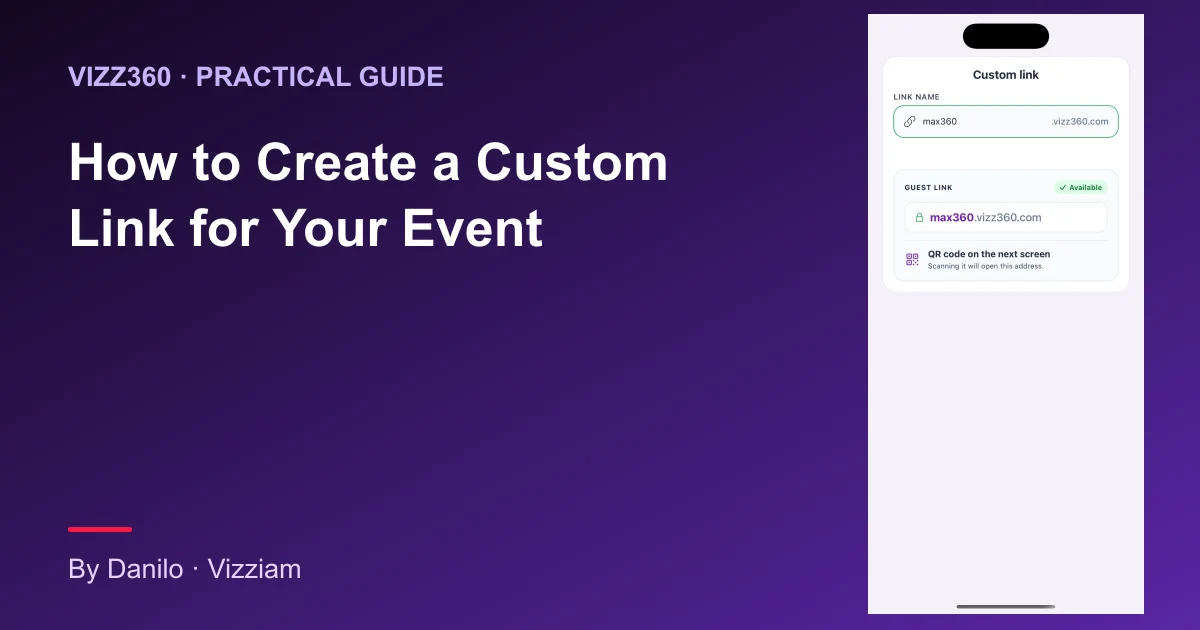
When creating the event, use Custom link to choose a name for the delivery URL. This feature requires Plus. The field accepts 3 to 30 letters, numbers, or hyphens, and the name must be available.
Demonstration on the iPhone simulator, using Vizz360 7.39 and sample data. Some controls vary on Android and by plan.
Read the video steps
- Open Custom link during event creation.
- Choose an available address and check the entered name.
- Check the link preview before completing the event.
You want to deliver a URL that is easy for the client and guests to recognize. The custom URL helps identify the delivery, but it does not replace checking that you are sharing the correct event.
Before you start
Choose a short name that is easy to read. Make sure you have an internet connection to check availability. Do not use unnecessary personal information in the URL, since it will be shared with guests.
How to do it
-
During creation, continue until Custom link.
-
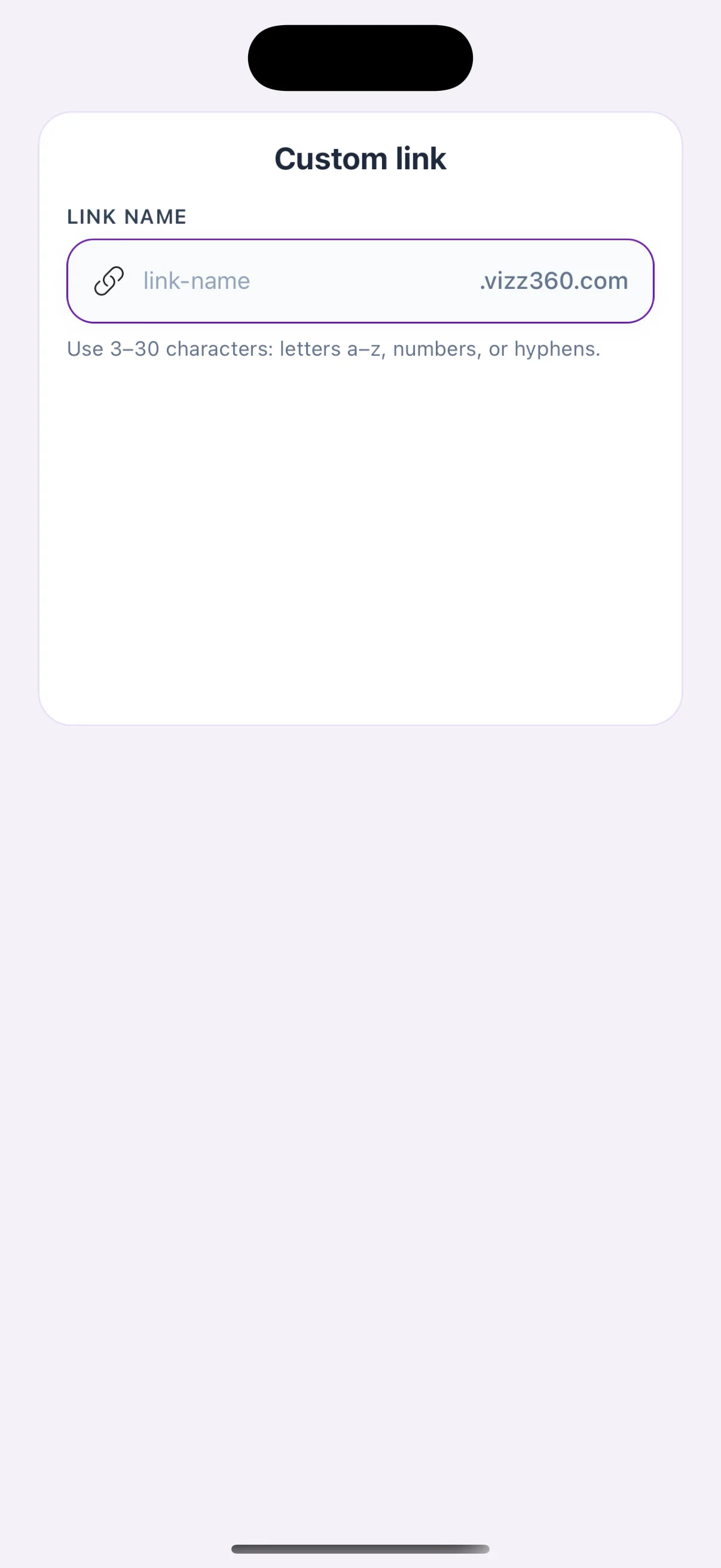
Enter the desired name, following the character limit.
-
Avoid using a hyphen at the beginning or end, and wait for verification.
-
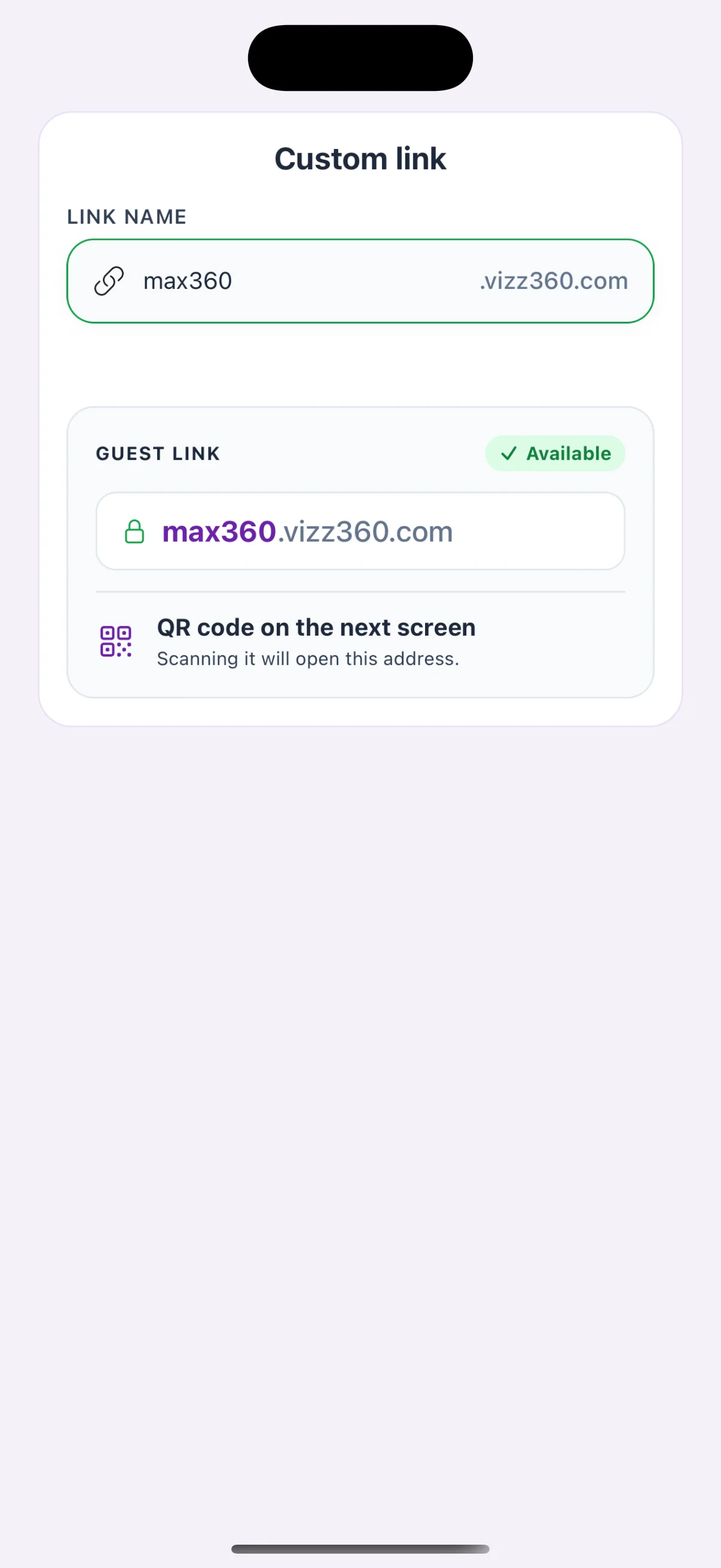
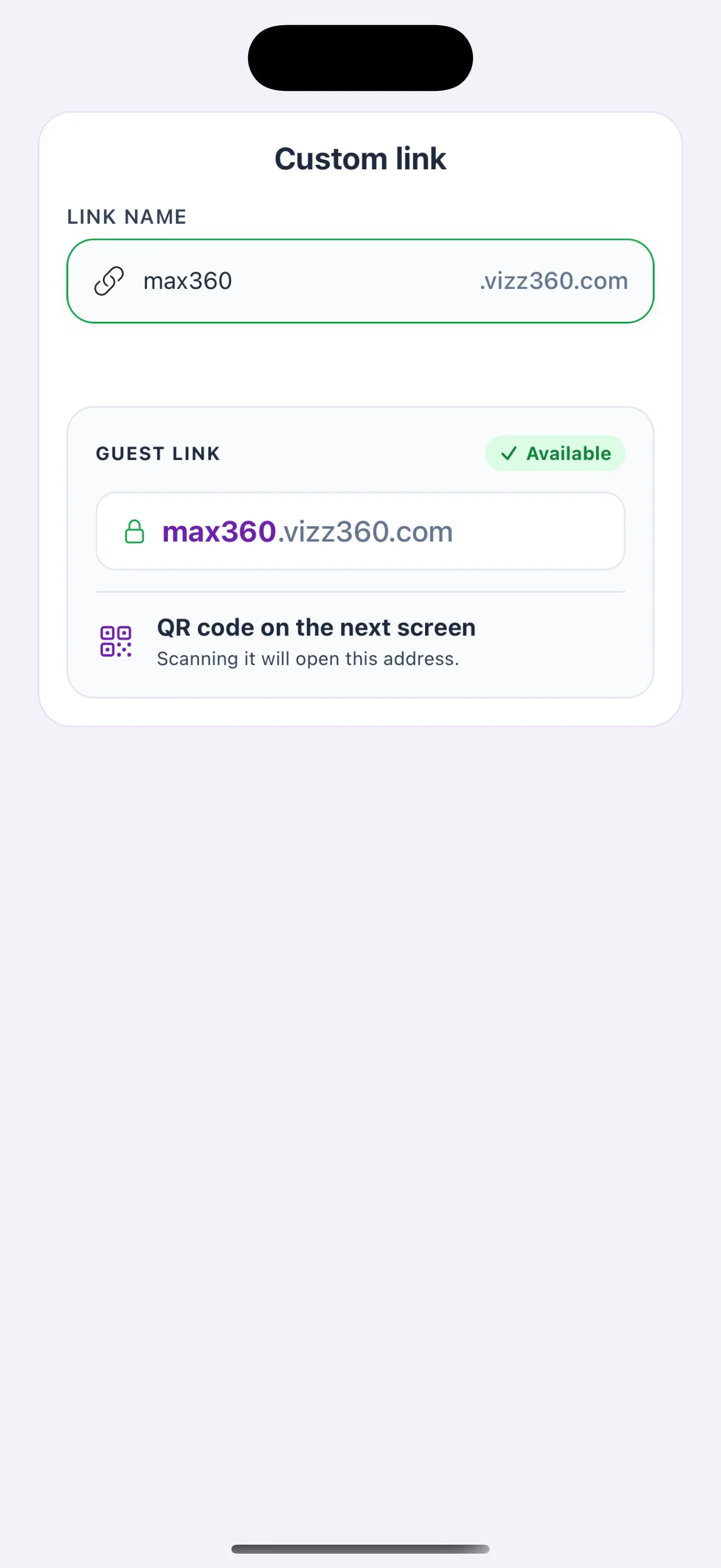
If Available appears, continue. If it is already in use or reserved, choose another option or review the suggestions shown.
-
Finish creating the event and copy the URL from the sharing option.
-
Open the link in your browser to check the name and destination page.
Where to tap in the app
Check the result
The URL should be recognizable and open the event you prepared. Check it using the link you actually copied, not just the text you thought you had chosen. This helps you catch a skipped step or a different choice made at the end of setup.
If something does not go as expected
If you see that the name is already in use, change it instead of repeating the same attempt. If there is a connection failure, no response does not mean the name is available. The app also lets you skip this step and use the default link when verification is not possible at that moment.
Quick questions
Can I use any name?
No. There are limits for format, availability, and names reserved by Vizz360.
Can the name start with a hyphen?
No. The app tells you that the name cannot start or end with a hyphen.
Does creating a custom link keep the gallery forever?
No. The media expiration period remains separate from the URL’s appearance; check the availability shown in the event.
Continue in the app
Test a name in Vizz360 and see how the URL appears in sharing before sending it to the client.
Also read: How to customize the page guests open; How to customize the QR code with a logo and colors; How to share the event link in Vizz360.

Download Vizz360
Record, edit and share 360° videos in seconds, right from your phone. Free download for Android and iOS, with in-app purchases.


Related articles

How to Position and Resize the Kiosk Shutter Button
How to Position and Resize the Kiosk Shutter Button. See the Vizz360 steps, app screens and what to check before using it at an event.

How to Adjust Photo Framing Inside an AI Overlay
How to Adjust Photo Framing Inside an AI Overlay. See the Vizz360 steps, app screens and what to check before using it at an event.

How to Change Your Vizz360 Account Email
How to Change Your Vizz360 Account Email. See the Vizz360 steps, app screens and what to check before using it at an event.