
Why Does the Event Report Require at Least 10 Media Files?
Why Does the Event Report Require at Least 10 Media Files. See the Vizz360 steps, app screens and what to check before using it at an event.



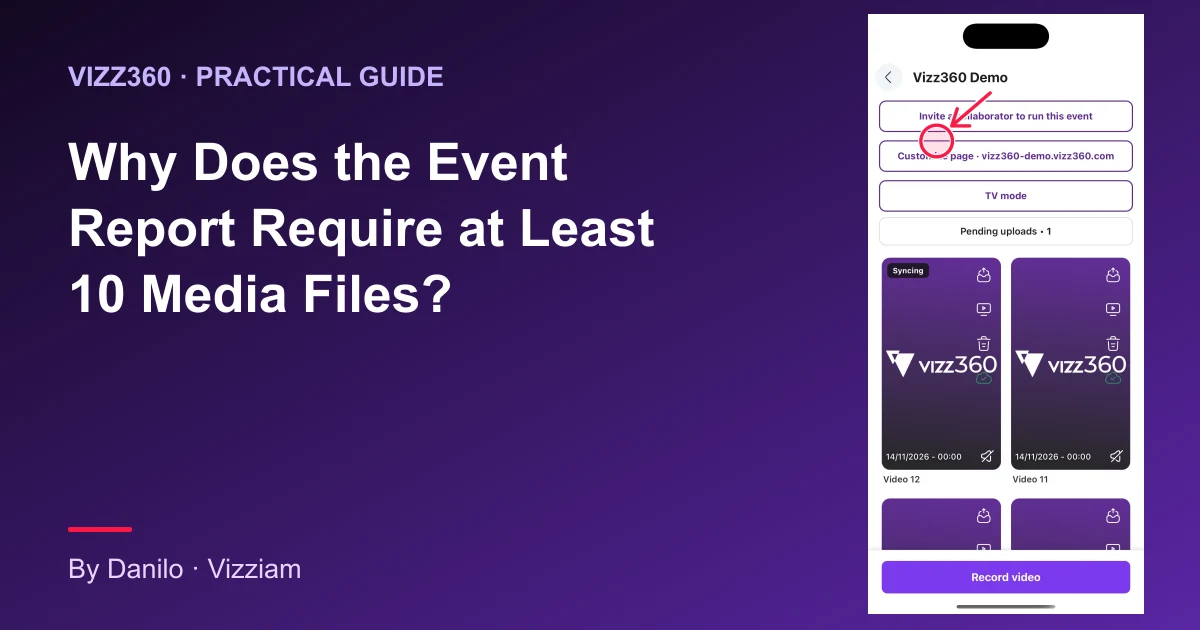
Opened a small event’s report and hit a minimum? Vizz360’s editor requires at least 10 media files to generate it. Check the count and loading state before investigating the template.
Demonstration on the iPhone simulator, using Vizz360 7.39 and sample data. Some controls vary on Android and by plan.
Read the video steps
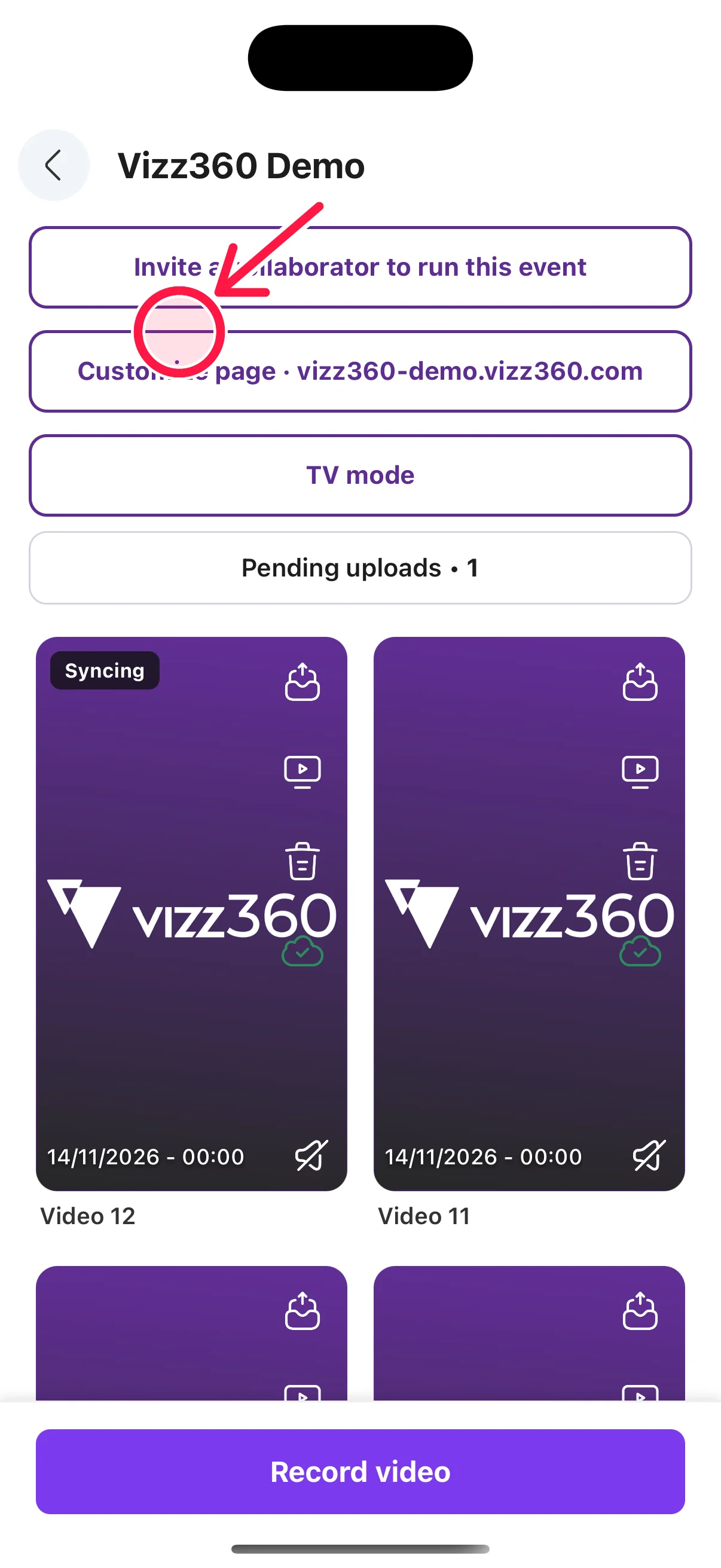
- Inside the event, choose the guest’s video.
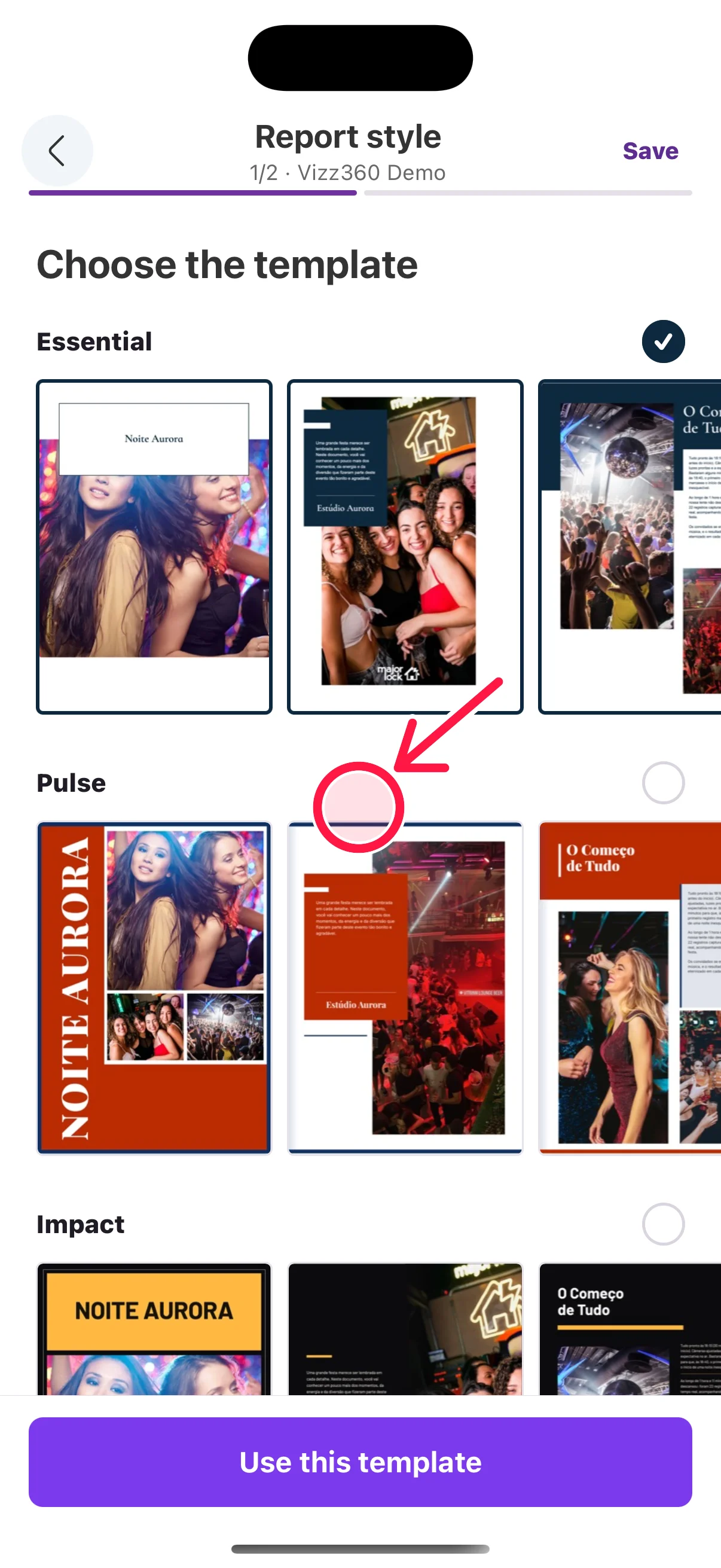
- Review the report template and requirements.
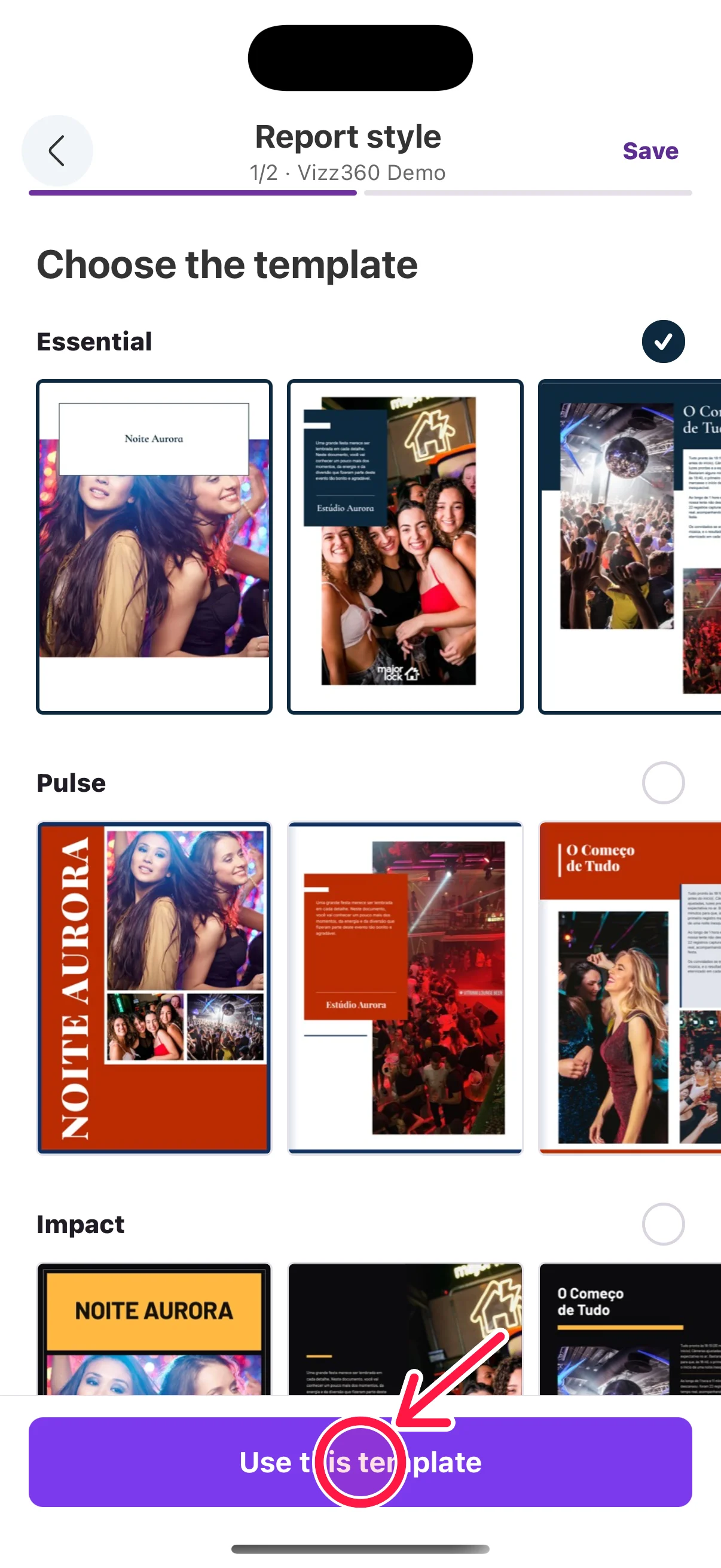
- Choose a design and tap Use this template.
Before you start
Use an event with loaded data and review available media. Reports require at least 10 media files; review the preview before sending to a client.
How to do it
-
Open the correct event and review gallery media. Confirm expected uploads have completed.
-
Open the report from the cover and read its eligibility notice. Wait for data loading.
-
Once at least 10 media files are recognized, continue to template and preview. Review content before downloading.
Where to tap in the app
Check the result
Check that generation is available and figures belong to the selected event. Do not mix unrelated event media to meet the minimum.
If something does not go as expected
If files remain only on a teammate’s phone, finish uploads and reload the data.
Quick questions
Does the minimum mean 10 guests?
The notice refers to media files. Do not automatically convert a file count into unique people.
Why might my screen look different?
Screenshots use working version 7.39 on iPhone. Controls and access may differ with the installed version, Android, device and plan. Check the path in your app and test before the event.
Continue in the app
Download Vizz360 for iPhone or Android using the buttons below. Prepare a test event and check this procedure before your next booking.
Also read: How to Download an Event Report to Send to Your Client; How to Use Upload to the Cloud in Event Options; How to Add Company Branding and Contacts to an Event Report.

Download Vizz360
Record, edit and share 360° videos in seconds, right from your phone. Free download for Android and iOS, with in-app purchases.


Related articles

How to Position and Resize the Kiosk Shutter Button
How to Position and Resize the Kiosk Shutter Button. See the Vizz360 steps, app screens and what to check before using it at an event.

How to Adjust Photo Framing Inside an AI Overlay
How to Adjust Photo Framing Inside an AI Overlay. See the Vizz360 steps, app screens and what to check before using it at an event.

How to Change Your Vizz360 Account Email
How to Change Your Vizz360 Account Email. See the Vizz360 steps, app screens and what to check before using it at an event.