
How long do videos stay in the Vizz360 cloud?
Vizz360 provides 15 days of standard cloud availability from the event date. Learn where to check it and when to organize your copies.



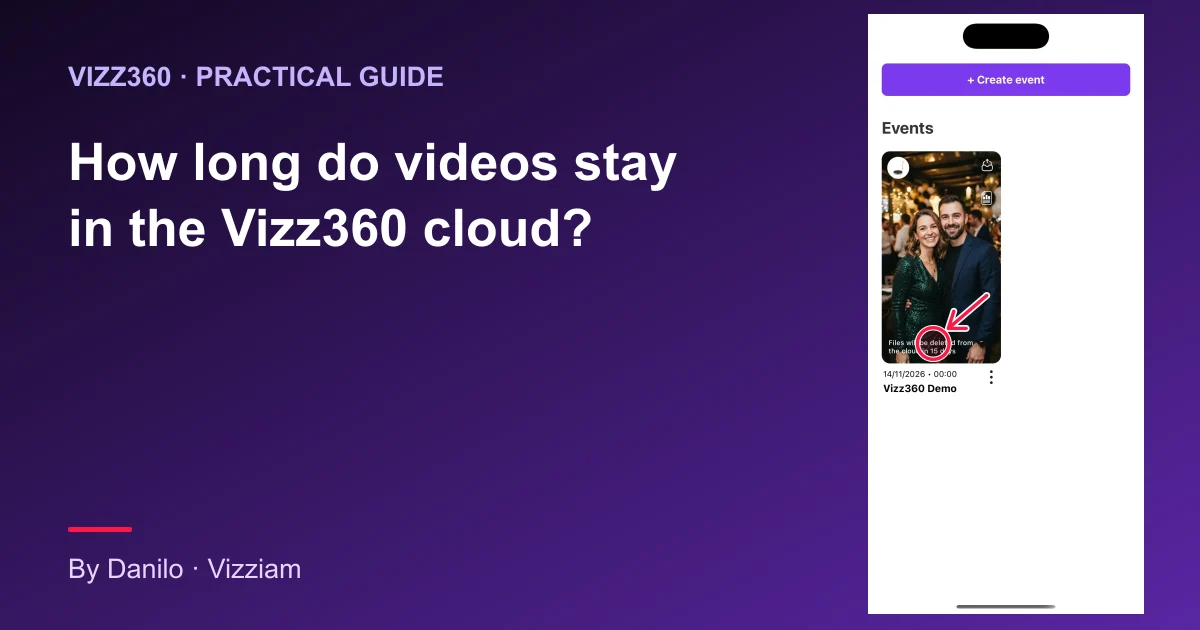
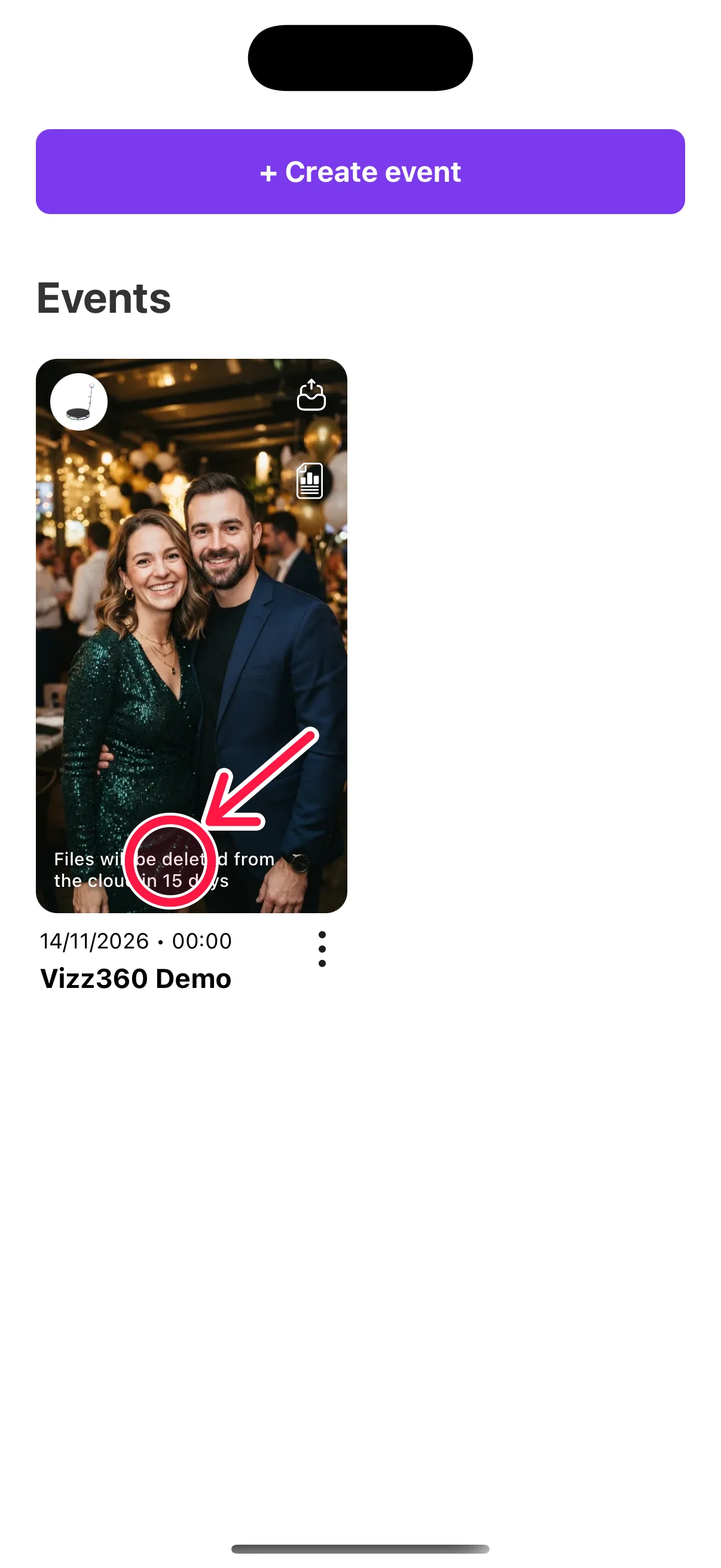
The standard availability of event media in the Vizz360 cloud is 15 days from the event date. Check the deadline shown on the cover and organize delivery and copies before it expires.
Demonstration on the iPhone simulator, using Vizz360 7.39 and sample data. Some controls vary on Android and by plan.
Read the video steps
- Check the notice: cloud media lasts 15 days from the event date.
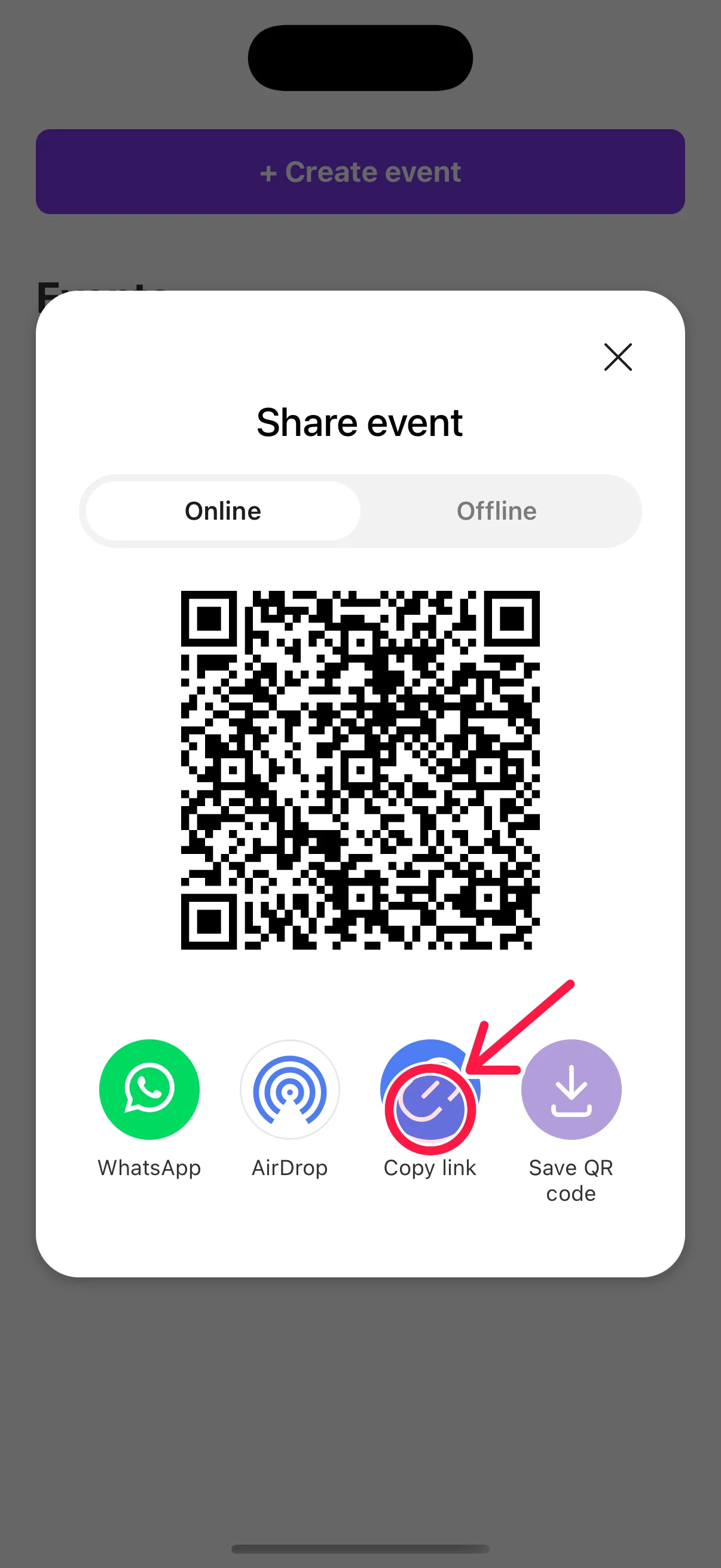
- Tap Copy link to share the entire gallery.
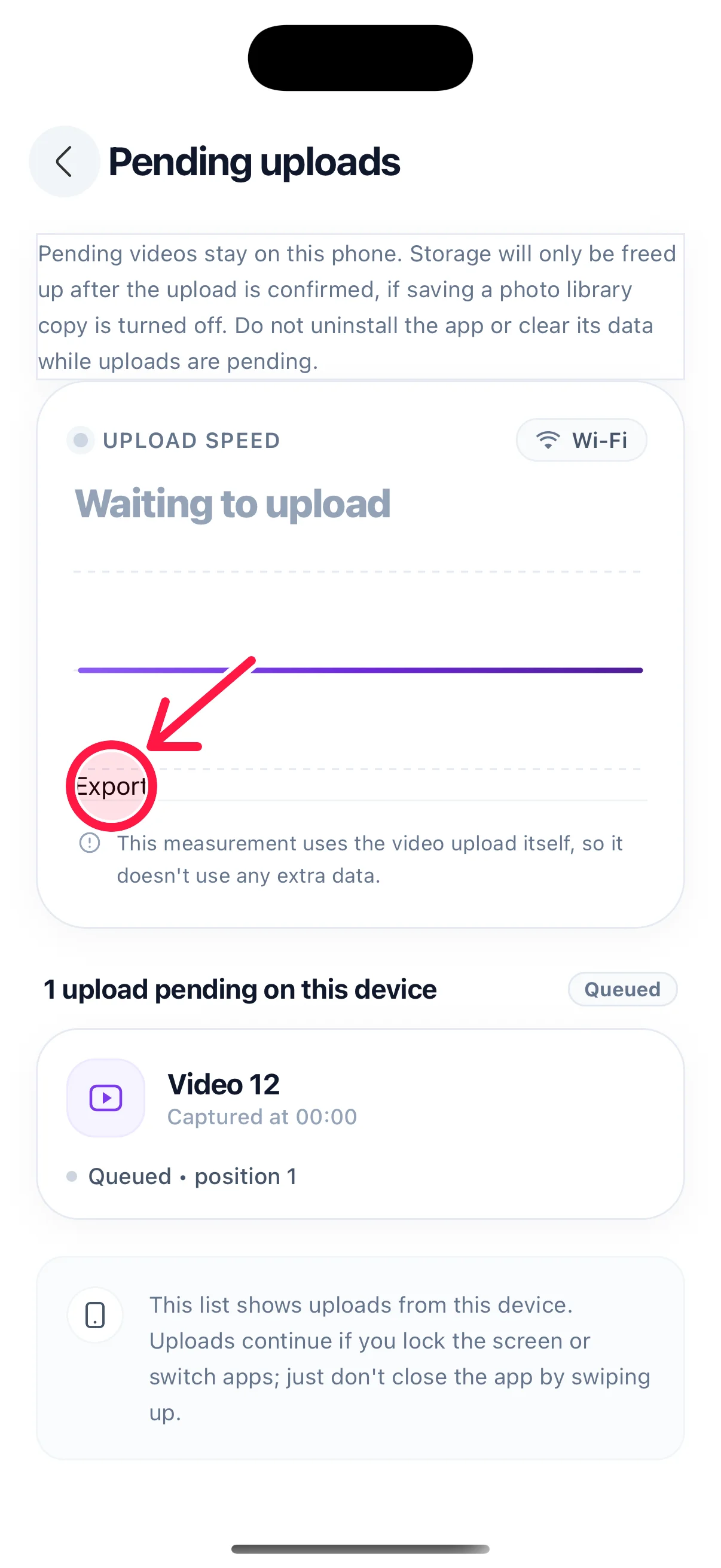
- If needed, use Export to preserve a copy of pending files.
The client asks for the gallery a few days after the party, and you want to check the access period. Having this answer ready helps you avoid promising permanent access that the service does not provide.
Before you begin
Keep three things separate: the event date, completion of the cloud upload, and whether a local copy exists. A video uploaded later should not be treated as if it automatically restarted the period counted from the event date.
How to do it
-
On the Home screen, find the event and check the registered date.
-
Read the deadline information displayed on the cover.
-
Open the gallery and confirm which media has already been uploaded.
-
Send the link to the client with instructions to download the files they need within the deadline.
-
Before freeing up space on your devices, check the copies your operation decided to keep.
Where to tap in the app
Check the result
The client should know how long they have to access the content, and you should know where the copies you plan to keep are stored. It is worth opening one of them to test playback. A filename in a folder is not enough to verify the delivered material.
If something does not go as expected
If videos are missing while still within the deadline, check Pending uploads on the source device. If access has already expired, do not promise recovery: the existence of an old link does not guarantee that the file is still stored. Look only for copies you actually saved, or ask for guidance through the app’s support.
Quick questions
Do the 15 days start when I upload the last video?
The reference described in the app is the event date. Do not count on a new deadline because you uploaded something later.
Does saving the QR code preserve the videos?
No. The QR code is an image that opens an address; it does not contain the gallery files.
Can I use the cloud as permanent storage for my business?
Not with this deadline. Plan your own backup workflow and confirm the files before deleting the originals.
Continue in the app
For the next event you create in Vizz360, check the deadline and include the download instructions when delivering it to the client.
Also read: How to save Vizz360 videos to your phone’s photo library; How to share the event link in Vizz360; Video not showing up in the link? Check pending uploads.

Download Vizz360
Record, edit and share 360° videos in seconds, right from your phone. Free download for Android and iOS, with in-app purchases.


Related articles

How to Position and Resize the Kiosk Shutter Button
How to Position and Resize the Kiosk Shutter Button. See the Vizz360 steps, app screens and what to check before using it at an event.

How to Adjust Photo Framing Inside an AI Overlay
How to Adjust Photo Framing Inside an AI Overlay. See the Vizz360 steps, app screens and what to check before using it at an event.

How to Change Your Vizz360 Account Email
How to Change Your Vizz360 Account Email. See the Vizz360 steps, app screens and what to check before using it at an event.