
How to check AI Photos and overlay credits
Check the correct AI Photos or overlay balance in Vizz360. Understand that they are separate flows and that each AI Photos generation uses 1 credit.



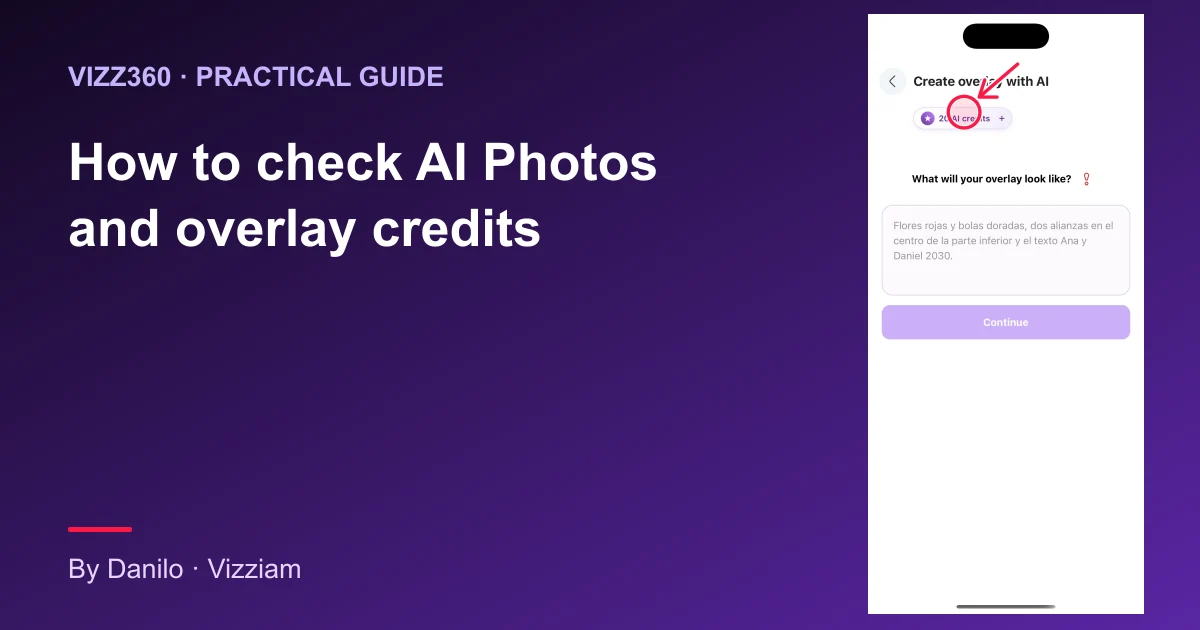
In Vizz360, check your balance inside the flow you plan to use: AI Photos and AI overlays have separate credit screens. Having a balance in one of these areas should not be taken as confirmation that you have a balance in the other.
Demonstration on the iPhone simulator, using Vizz360 7.39 and sample data. Some controls vary on Android and by plan.
Read the video steps
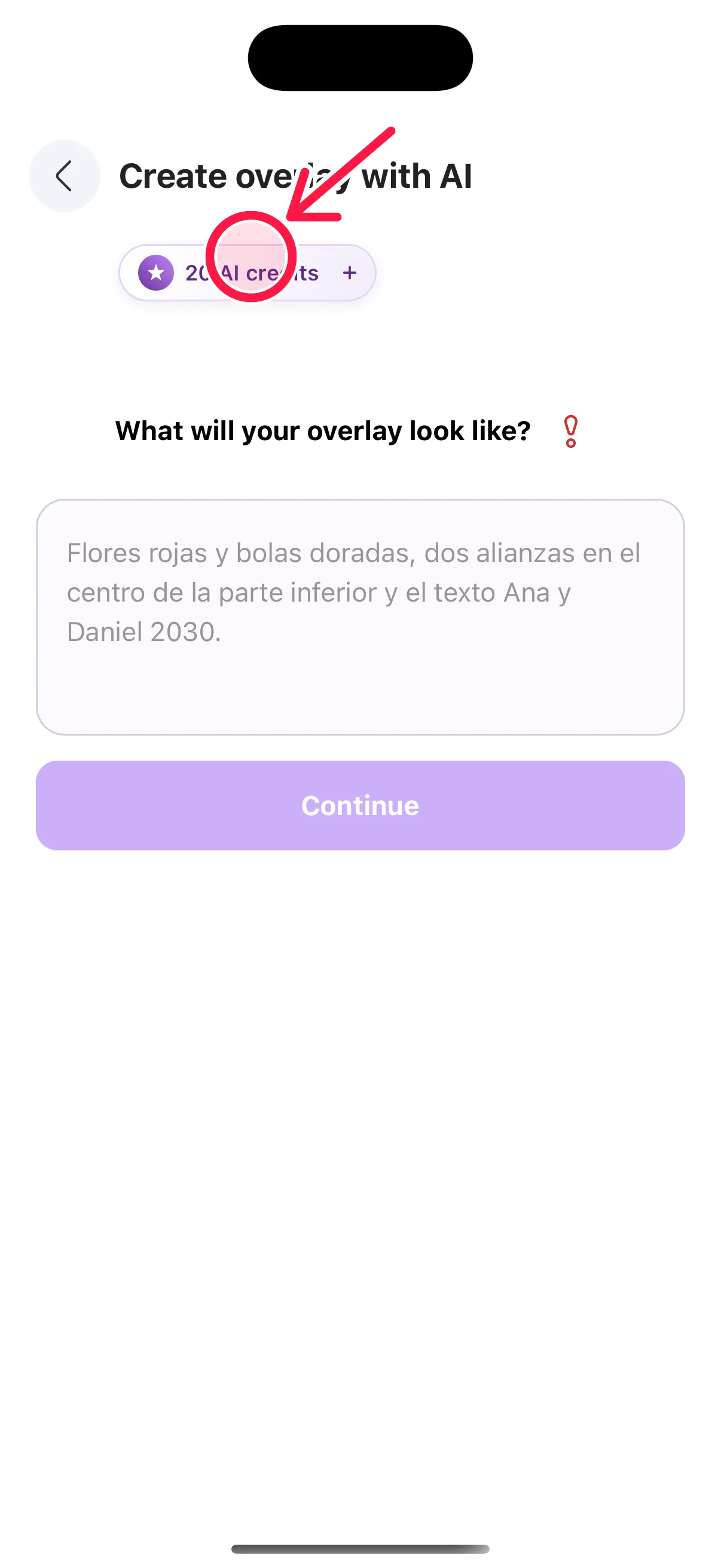
- Check your overlay credit balance before generating.
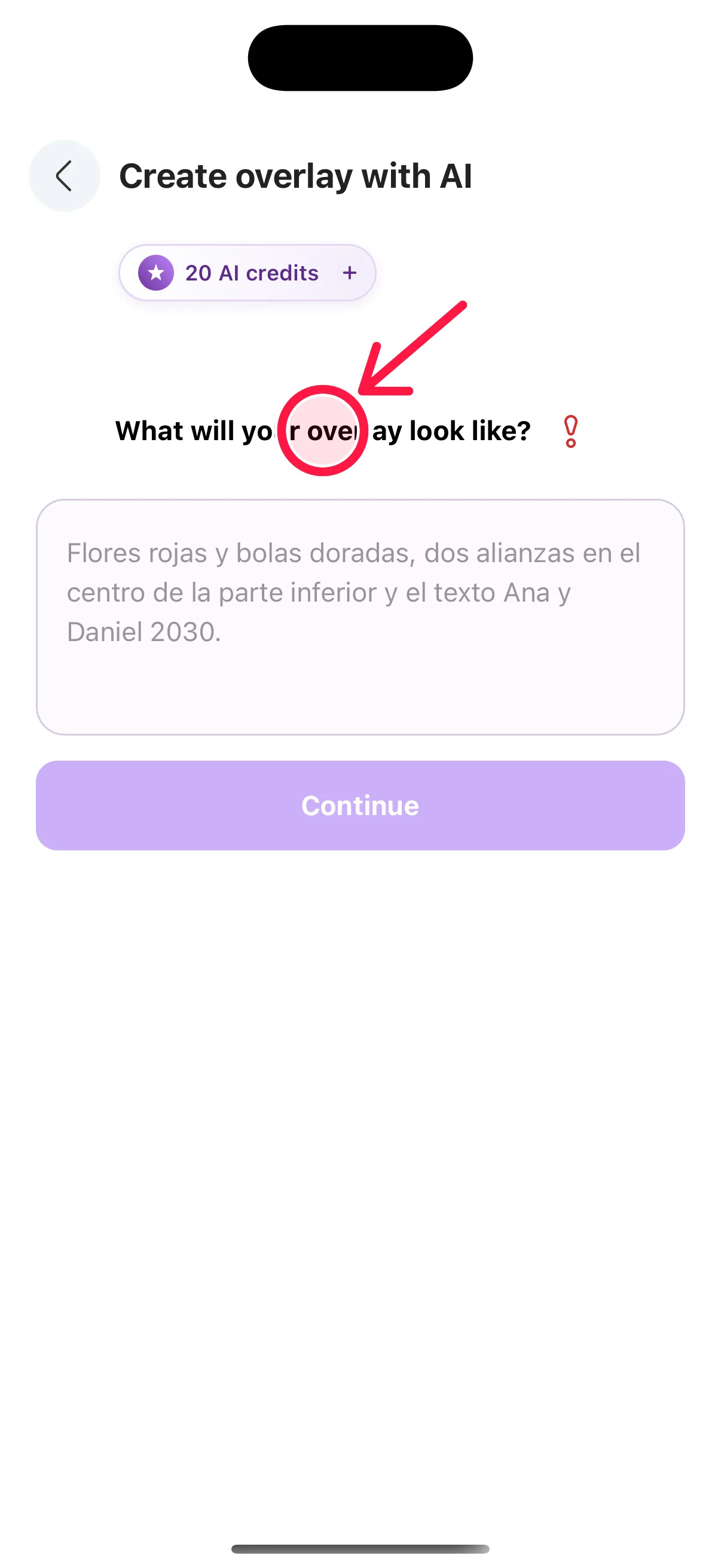
- Describe the overlay theme, colors and elements.
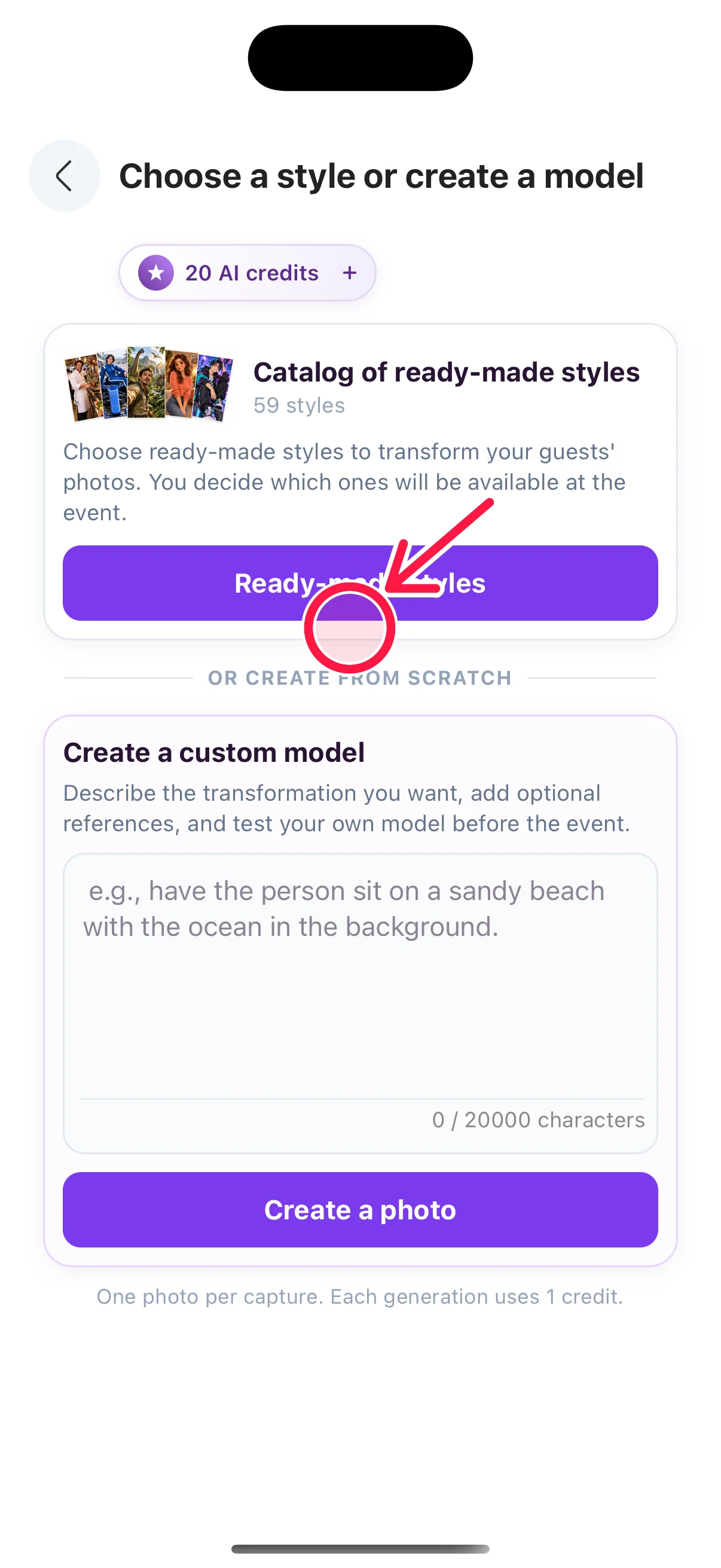
- Choose between ready-made styles and creating your own model.
You are getting an event ready and need to check the correct balance before generating new materials. This check helps you avoid finding out there is a generation issue when the client is already waiting for the setup.
Before you start
Sign in to the correct account and make sure you have a connection so the balance can update. Keep access to the generation credits plan separate: subscribing to a customization feature should not automatically be treated as unlimited AI generation.
How to do it
-
Open AI Photos and tap the credits indicator in the header to check the corresponding area.
-
Check the balance shown before planning tests and captures.
-
To generate overlays, open the overlay selection and the credits access for that area.
-
Check the balance again and confirm the overlay flow before generating.
-
If you choose to buy credits, read the package and price shown by the store for your country and account.
-
After confirmation, return to the desired flow and check whether the expected balance is available.
Where to tap in the app
Check the result
You should know which balance you are checking and which action will use it. In AI Photos, each generation uses 1 credit, including a new test attempt. Applying or changing the overlay on a ready-made photo is not a photo generation and does not use that generation credit.
If something does not go as expected
If the balance looks different than expected, check the account, credit type, and whether the store operation was completed before buying again. If you cannot check it, review the connection and the app message. Do not use prices from an old screenshot as a guarantee: packages and prices should be read from the store’s current offer.
Quick questions
Are overlay and AI Photos credits the same balance?
Treat them as separate checks. Check the screen for the feature you are going to use.
Does changing an overlay on a ready-made photo use 1 AI Photos credit?
No. The overlay is placed over the result and is not sent to the provider to generate the photo again.
Does Plus mean unlimited AI?
Do not assume that. Read the plan and credit conditions shown in the app.
Continue in the app
Check your balances in Vizz360 before preparing the event, and set aside credits for the tests your operation needs to run.
Also read: How to use ready-made styles in an AI Photos event; How to create an overlay with artificial intelligence in Vizz360; How to test AI Photos before the party.

Download Vizz360
Record, edit and share 360° videos in seconds, right from your phone. Free download for Android and iOS, with in-app purchases.


Related articles

How to Position and Resize the Kiosk Shutter Button
How to Position and Resize the Kiosk Shutter Button. See the Vizz360 steps, app screens and what to check before using it at an event.

How to Adjust Photo Framing Inside an AI Overlay
How to Adjust Photo Framing Inside an AI Overlay. See the Vizz360 steps, app screens and what to check before using it at an event.

How to Change Your Vizz360 Account Email
How to Change Your Vizz360 Account Email. See the Vizz360 steps, app screens and what to check before using it at an event.