
How to Report a Problem from the Vizz360 App
How to Report a Problem from the Vizz360 App. See the Vizz360 steps, app screens and what to check before using it at an event.



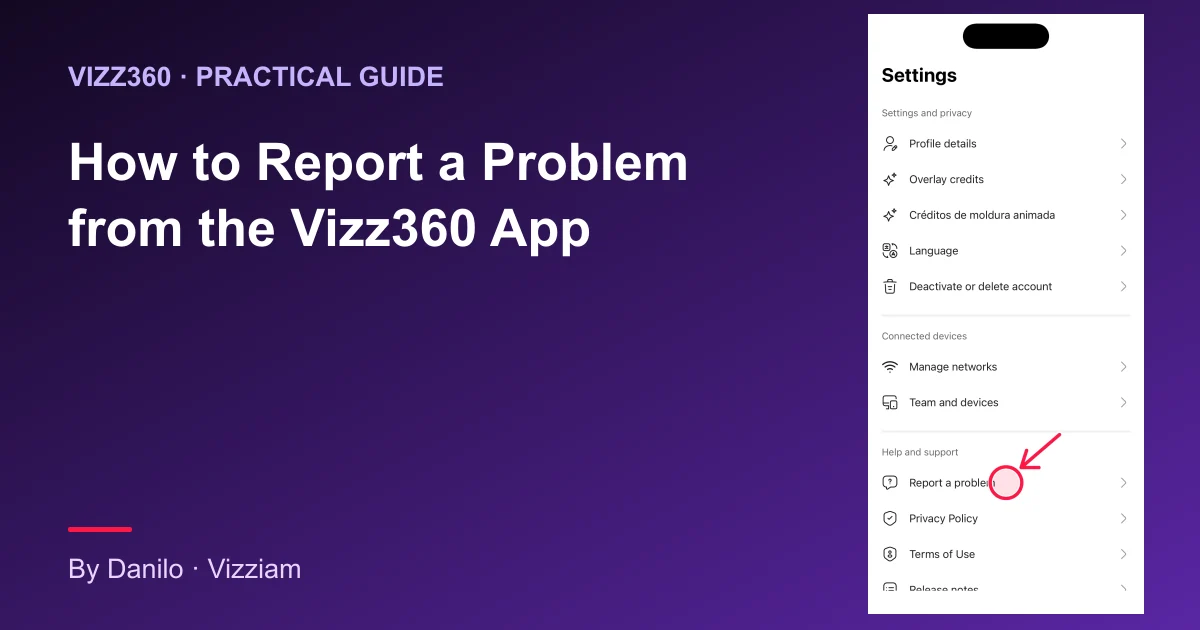
Did a feature fail and you need to explain what happened? In Profile → Report a problem, describe the context and steps leading to the error. A concrete report helps the team investigate.
Demonstration on the iPhone simulator, using Vizz360 7.39 and sample data. Some controls vary on Android and by plan.
Read the video steps
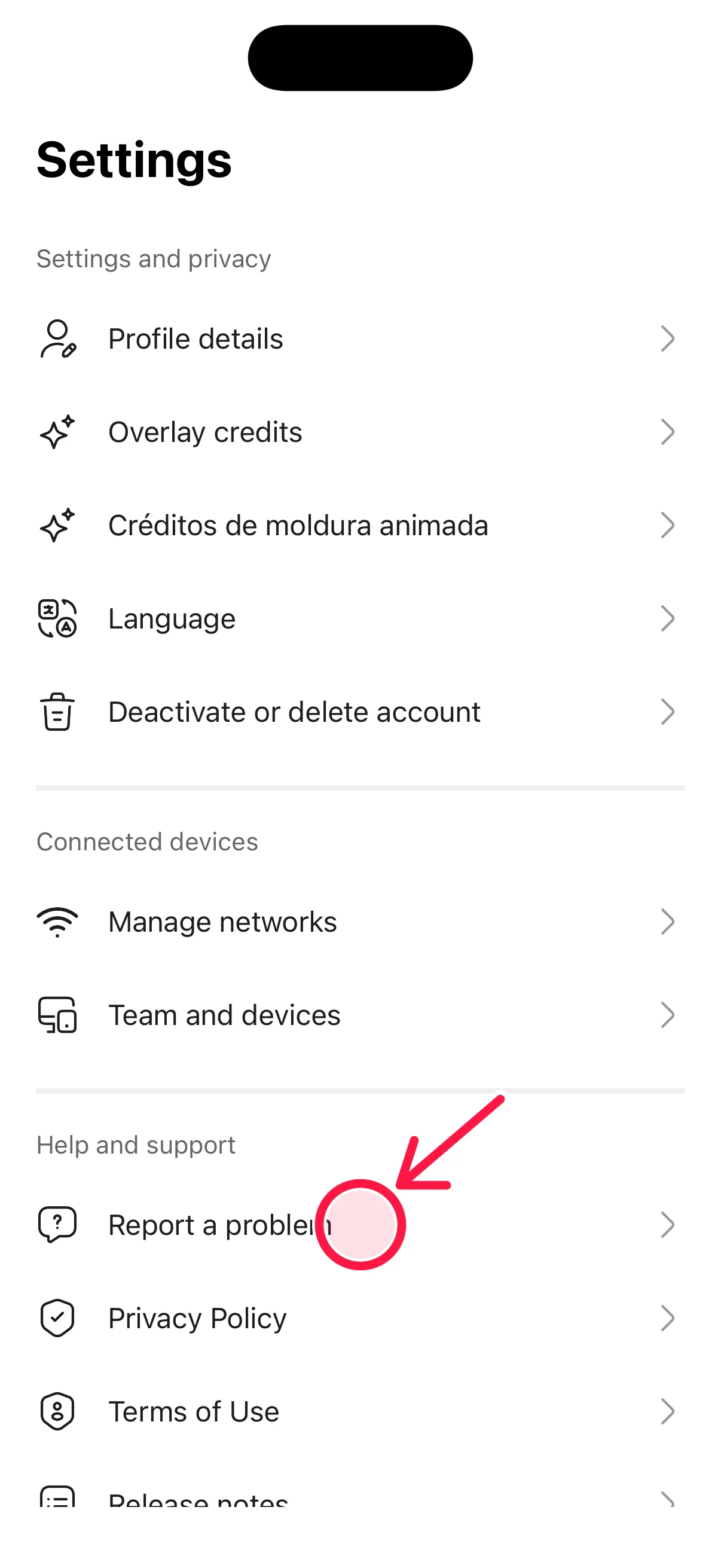
- In Profile, review Help and support.
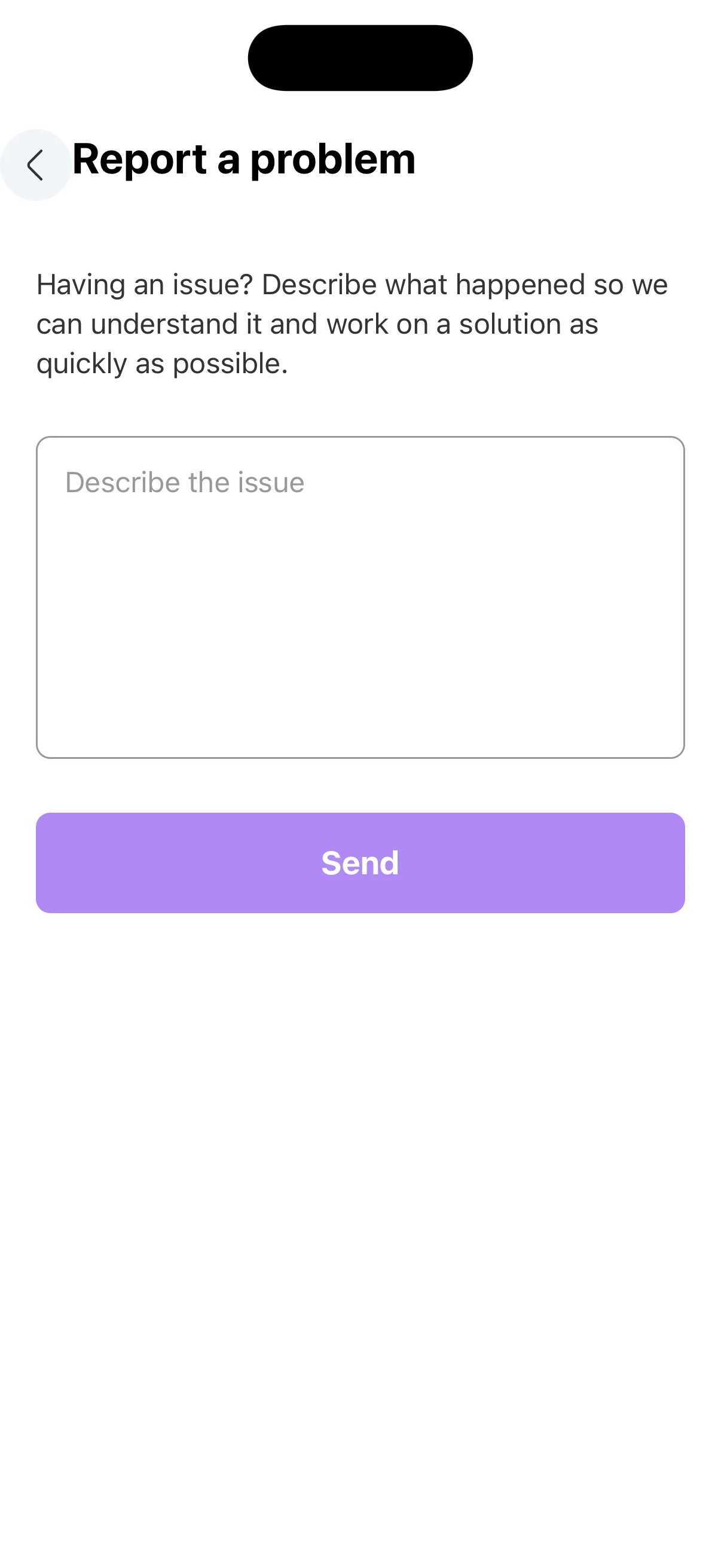
- Describe the problem with screen, action and outcome.
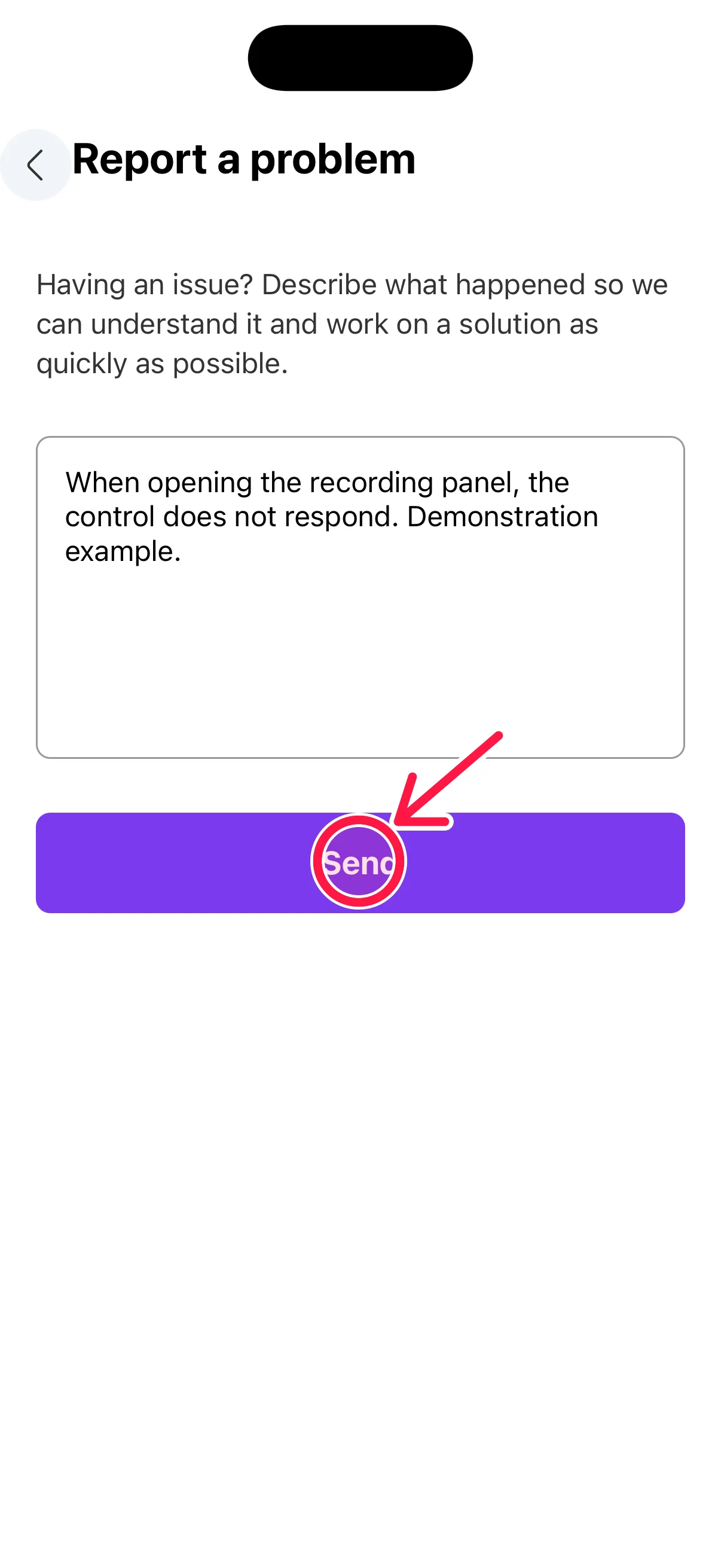
- Review the report before sending. This screen uses sample data.
Before you start
Allow a few minutes with internet to check the account and app response. Avoid access changes while serving a waiting line.
How to do it
-
Open Profile and tap Report a problem.
-
Describe the screen, action, expected result and actual behavior. Include phone model and app version when known.
-
Review the message and tap Send. Wait for confirmation or read the displayed error.
Where to tap in the app
Check the result
Check the confirmation. If sending fails, keep a copy of the description and retry when connected.
If something does not go as expected
Avoid messages such as “it does not work” without context. Do not include passwords, verification codes or unnecessary guest information.
Quick questions
Does sending confirm the problem is fixed?
No. Confirmation indicates receipt of the report. Explain whether the error always occurs or only in a specific situation.
Why might my screen look different?
Screenshots use working version 7.39 on iPhone. Controls and access may differ with the installed version, Android, device and plan. Check the path in your app and test before the event.
Continue in the app
Download Vizz360 for iPhone or Android using the buttons below. Prepare a test event and check this procedure before your next booking.
Also read: How to Read Vizz360 Release Notes; How to Change Your Vizz360 Account Email; How to Change the Language in the Vizz360 App.

Download Vizz360
Record, edit and share 360° videos in seconds, right from your phone. Free download for Android and iOS, with in-app purchases.


Related articles

How to Position and Resize the Kiosk Shutter Button
How to Position and Resize the Kiosk Shutter Button. See the Vizz360 steps, app screens and what to check before using it at an event.

How to Adjust Photo Framing Inside an AI Overlay
How to Adjust Photo Framing Inside an AI Overlay. See the Vizz360 steps, app screens and what to check before using it at an event.

How to Change Your Vizz360 Account Email
How to Change Your Vizz360 Account Email. See the Vizz360 steps, app screens and what to check before using it at an event.