
How to choose a video to show on the TV now
Use Show on TV now in the Vizz360 gallery. The selected video plays after the current one; check the upload, connection, and the event’s TV Mode.



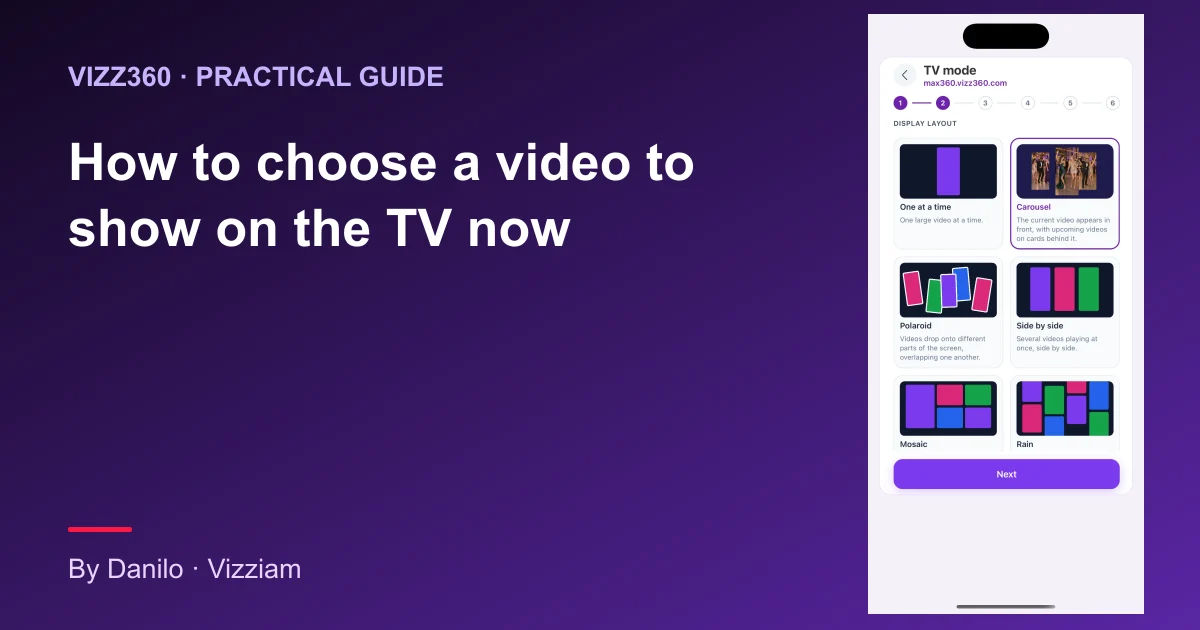
In the event gallery, use Show on TV now to place a recording in the next position in the display. The Vizz360 message explains that it will play right after the video currently playing, without interrupting it.
Demonstration on the iPhone simulator, using Vizz360 7.39 and sample data. Some controls vary on Android and by plan.
Read the video steps
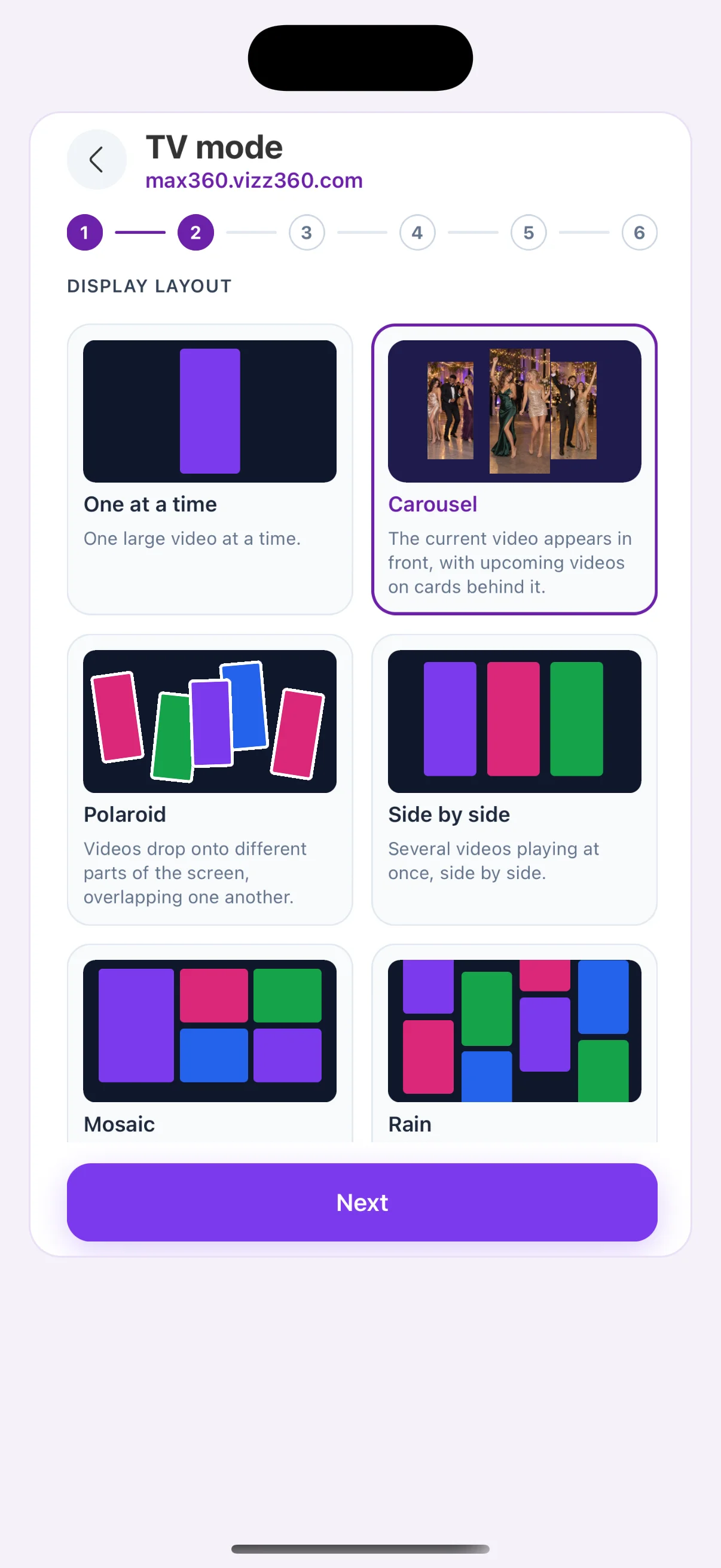
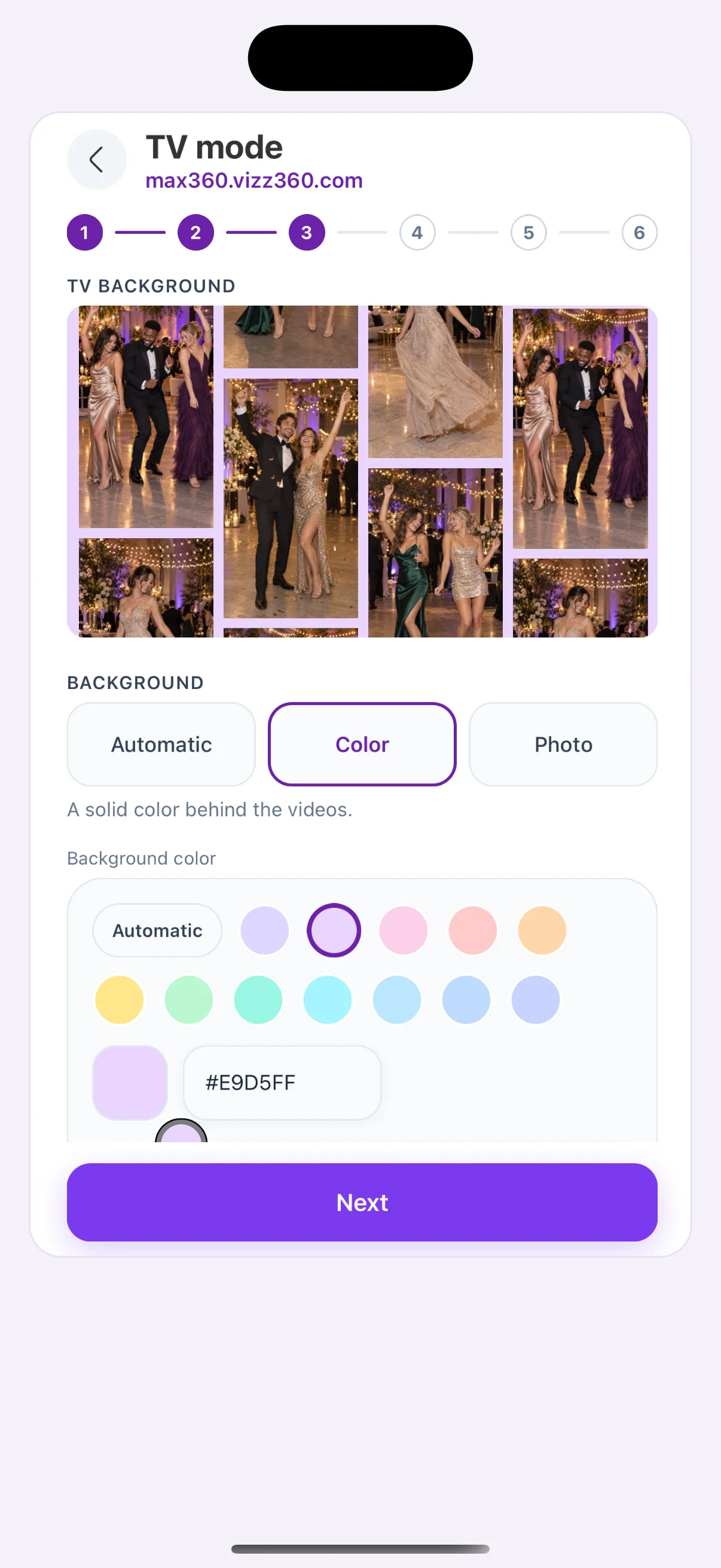
- Open the TV Mode demonstration to understand setup.
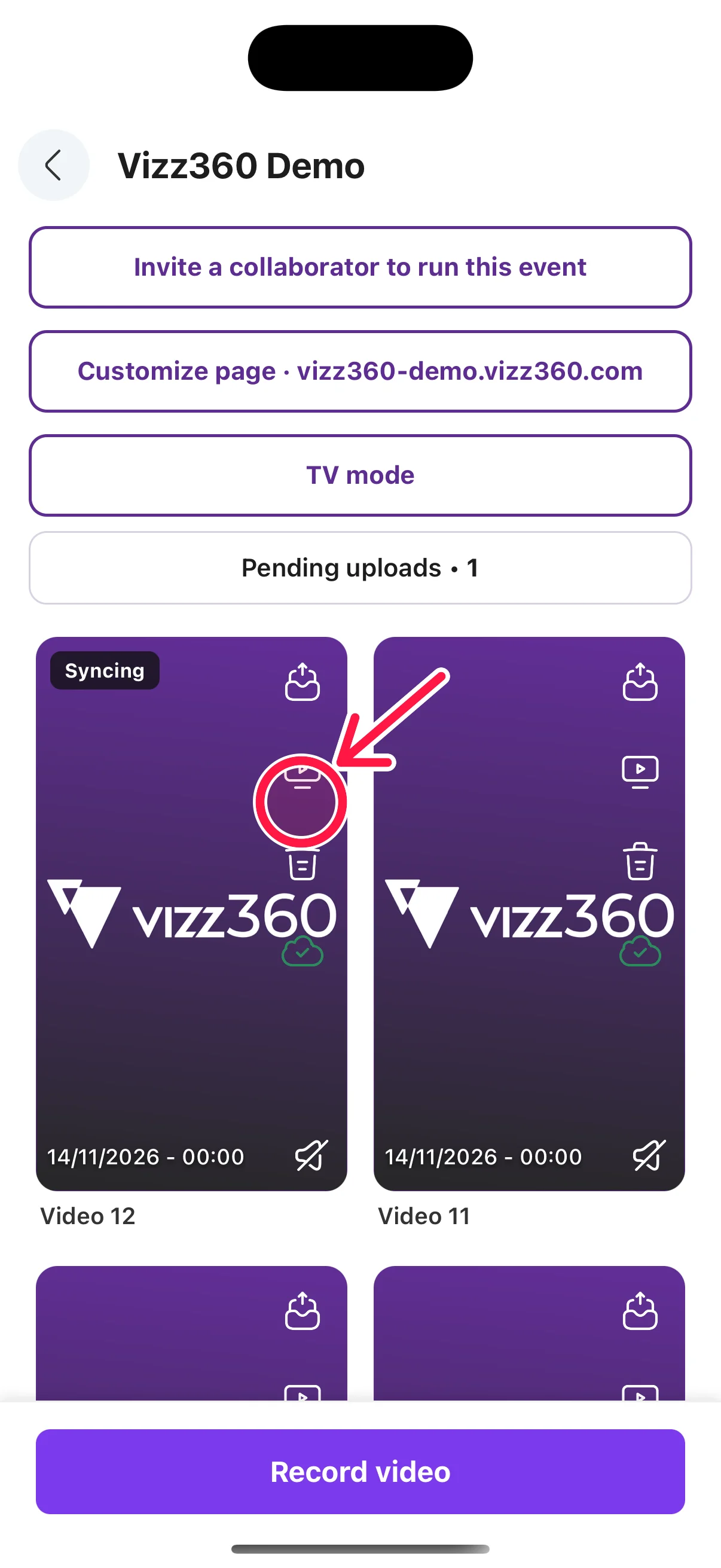
- On the chosen video, tap Show on TV now.
- Review the preview. TV playback needs a test on the actual equipment.
A recording that the client wants to see on the event screen has just been created. It’s a practical way to highlight the newly made recording without disrupting the presentation that is already running in the venue.
Before you start
Prepare the event’s TV mode, with a custom link and Plus access, and keep the playback device connected. The selected media must have finished uploading to the cloud. This action does not replace uploading the file.
How to do it
-
Confirm that the TV is playing the TV Mode link for the correct event.
-
In Vizz360, open that event’s gallery and find the video you want.
-
Check that the recording upload has already finished.
-
Use Show on TV now on that media.
-
Read the Queued for TV playback confirmation and wait for the current video to finish.
-
Watch the screen to confirm that the selected recording plays next.
Where to tap in the app
Check the result
Playback should continue normally and, when the current media ends, show the one you selected. Confirm by looking at the TV; the message on the phone indicates that the command was sent, but the screen also needs to be connected and on the correct link.
If something does not work as expected
If the action is not available, check TV Mode, the custom link, media availability, and uploads. If there is a failure sending to the TV, review the connection and the recording’s cloud status. Do not press repeatedly expecting to interrupt the current video: the stated behavior is to play after it.
Quick questions
Does the video appear immediately, cutting off what is playing?
No. The app confirmation says it will play right after the current media.
Can I choose a video that is still in the upload queue?
The action depends on the file already being in the cloud. Check pending uploads first.
Does this command turn on the television or choose the HDMI input?
No. The TV and playback device must be prepared. The command affects the media selection for the presentation.
Continue in the app
In the Vizz360 test event, send two recordings and practice choosing the next media with the TV already playing.
Also read: How to show event videos on a TV; Video not appearing in the link? Check pending uploads; How to share an individual video in Vizz360.

Download Vizz360
Record, edit and share 360° videos in seconds, right from your phone. Free download for Android and iOS, with in-app purchases.


Related articles

How to Position and Resize the Kiosk Shutter Button
How to Position and Resize the Kiosk Shutter Button. See the Vizz360 steps, app screens and what to check before using it at an event.

How to Adjust Photo Framing Inside an AI Overlay
How to Adjust Photo Framing Inside an AI Overlay. See the Vizz360 steps, app screens and what to check before using it at an event.

How to Change Your Vizz360 Account Email
How to Change Your Vizz360 Account Email. See the Vizz360 steps, app screens and what to check before using it at an event.