
Custom Link Unavailable: How to Choose Another Name
Custom Link Unavailable: How to Choose Another Name. See the Vizz360 steps, app screens and what to check before using it at an event.



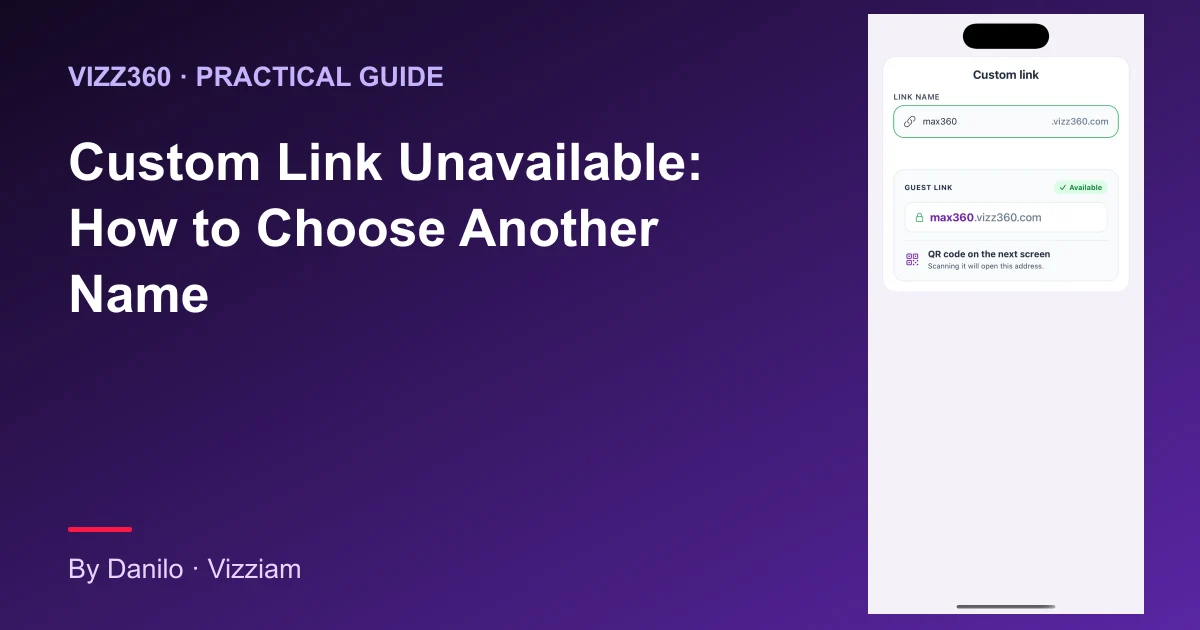
Entered the perfect name but the app will not accept it? Custom links check format, reserved names and availability. Adjust the address and wait for validation before printing its QR code.
Demonstration on the iPhone simulator, using Vizz360 7.39 and sample data. Some controls vary on Android and by plan.
Read the video steps
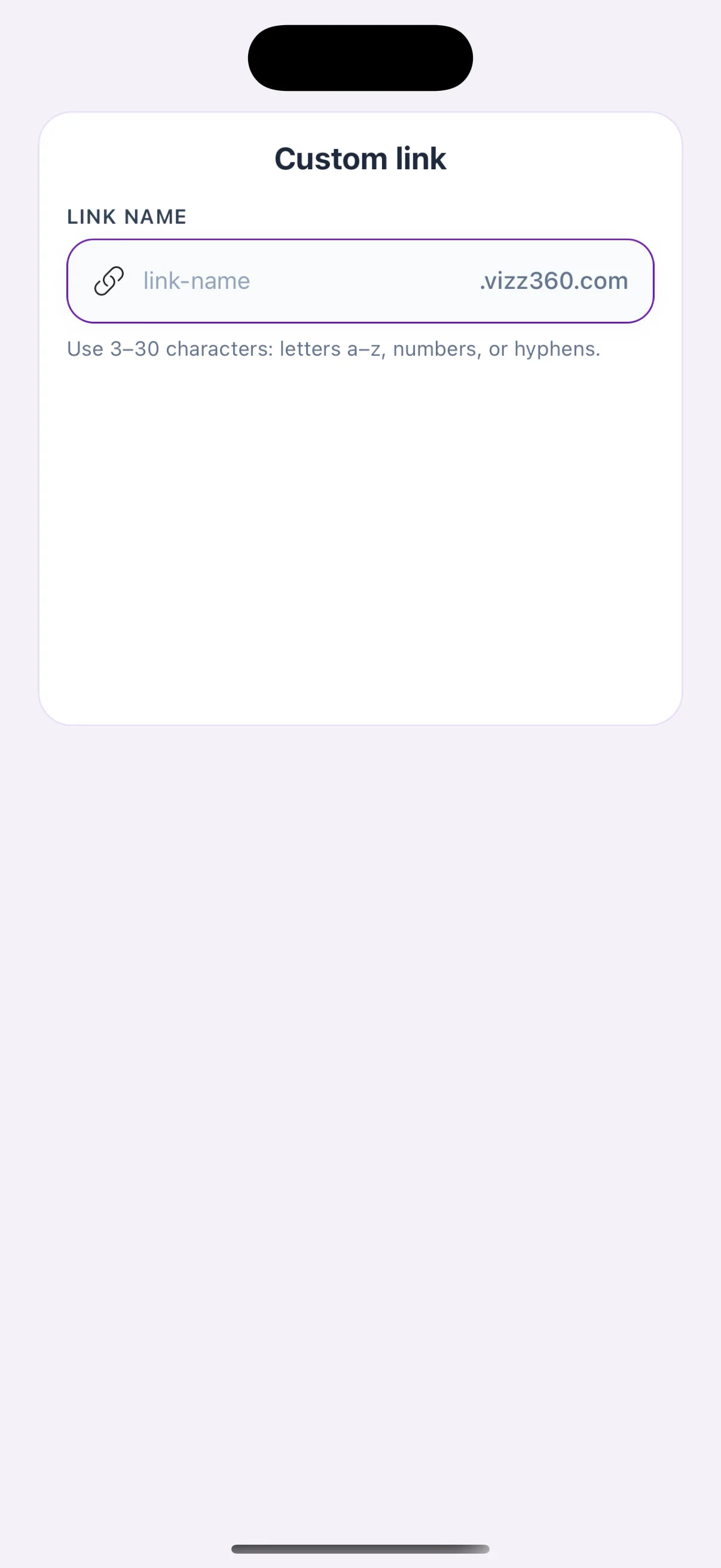
- Open Custom link during event creation.
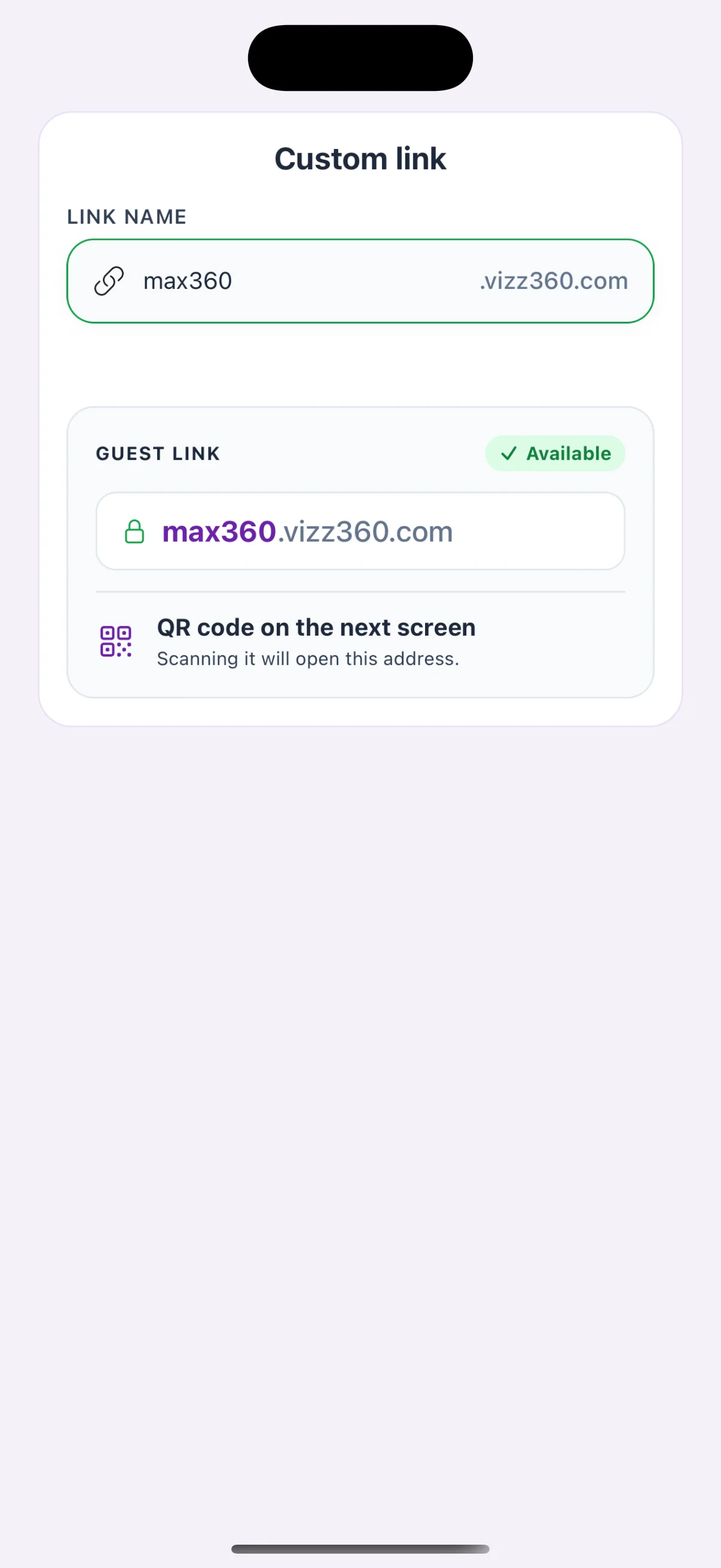
- Choose an available address and check the entered name.
- Check the link preview before completing the event.
Before you start
Check Plus access and review brand details. Prepare a test setup before printing or distributing guest materials.
How to do it
-
Open Custom link with Plus access and check the name for accidental spaces.
-
Use 3 to 30 characters and follow the field’s displayed rules. If the name is reserved or taken, choose a variation.
-
Wait for validation, finish the flow and test the final address before sharing or printing.
Where to tap in the app
Check the result
Open the final link in a browser and confirm the event. Copy the confirmed address instead of recreating it from memory.
If something does not go as expected
If validation stalls, check connectivity. Previously seen availability can change; creation must finish successfully.
Quick questions
Does changing one letter guarantee availability?
No. Each variation must be validated by the app before use.
Why might my screen look different?
Screenshots use working version 7.39 on iPhone. Controls and access may differ with the installed version, Android, device and plan. Check the path in your app and test before the event.
Continue in the app
Download Vizz360 for iPhone or Android using the buttons below. Prepare a test event and check this procedure before your next booking.
Also read: How to Create a Custom Link for Your Event; How to customize the page your guest opens; How to Save the Event QR Code for Printing.

Download Vizz360
Record, edit and share 360° videos in seconds, right from your phone. Free download for Android and iOS, with in-app purchases.


Related articles

How to Position and Resize the Kiosk Shutter Button
How to Position and Resize the Kiosk Shutter Button. See the Vizz360 steps, app screens and what to check before using it at an event.

How to Adjust Photo Framing Inside an AI Overlay
How to Adjust Photo Framing Inside an AI Overlay. See the Vizz360 steps, app screens and what to check before using it at an event.

How to Change Your Vizz360 Account Email
How to Change Your Vizz360 Account Email. See the Vizz360 steps, app screens and what to check before using it at an event.