
How to Review a Test and Generate Another AI Photo Version
How to Review a Test and Generate Another AI Photo Version. See the Vizz360 steps, app screens and what to check before using it at an event.



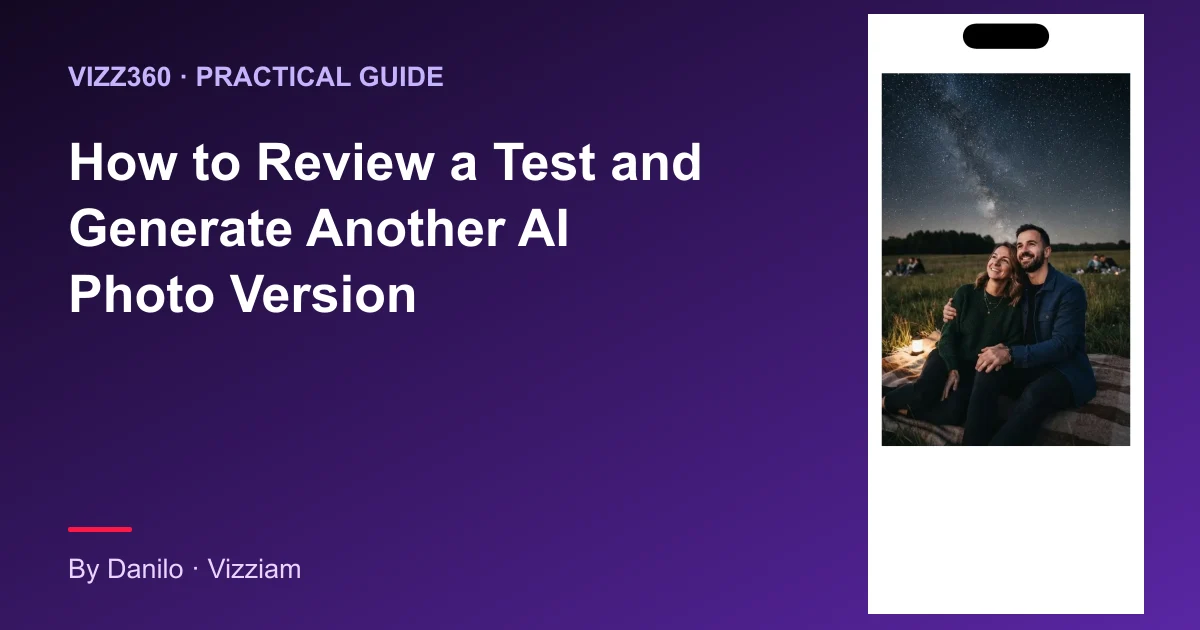
Another generation may produce a different result and use another credit. Identify what needs improving before repeating so the test helps event setup.
Demonstration on the iPhone simulator, using Vizz360 7.39 and sample data. Some controls vary on Android and by plan.
Read the video steps
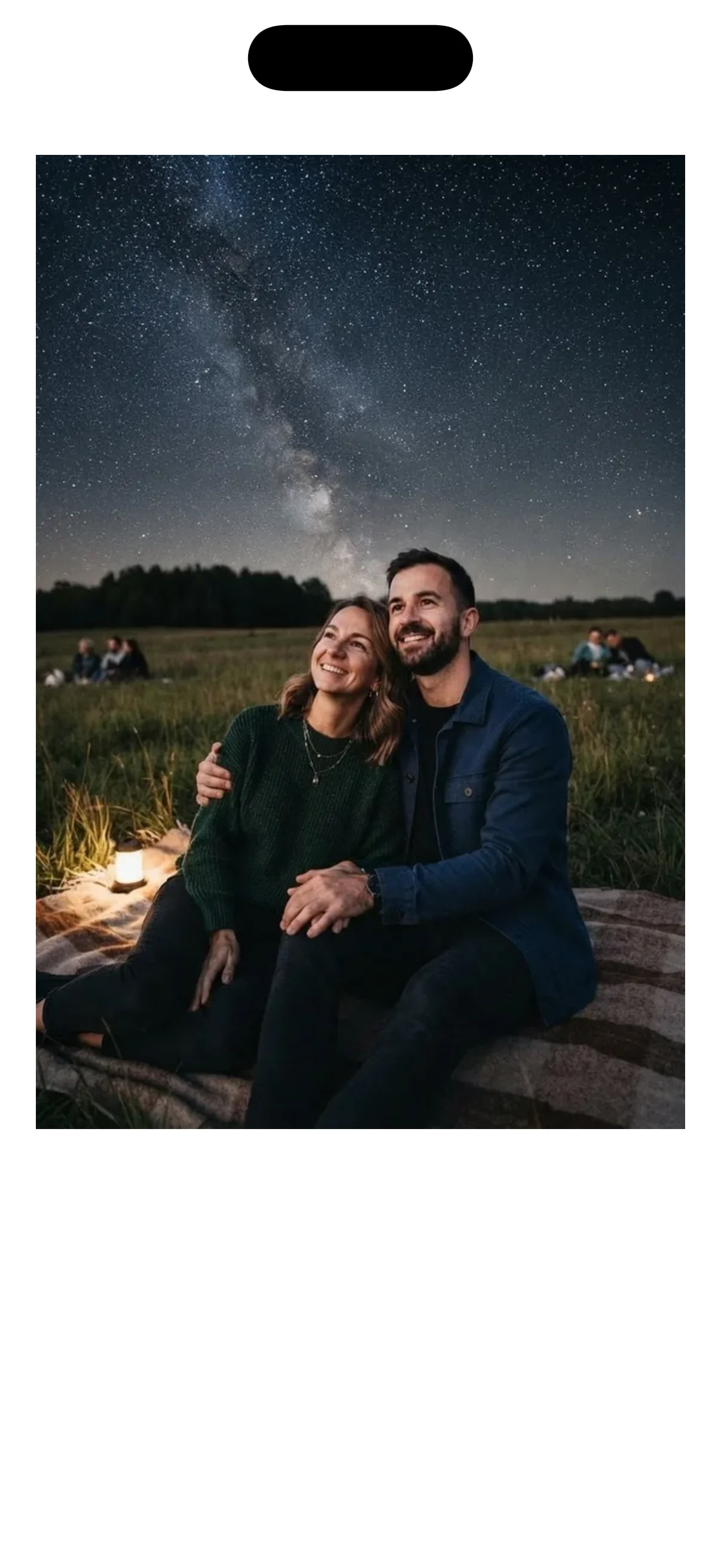
- Demonstration image: review the result before use.
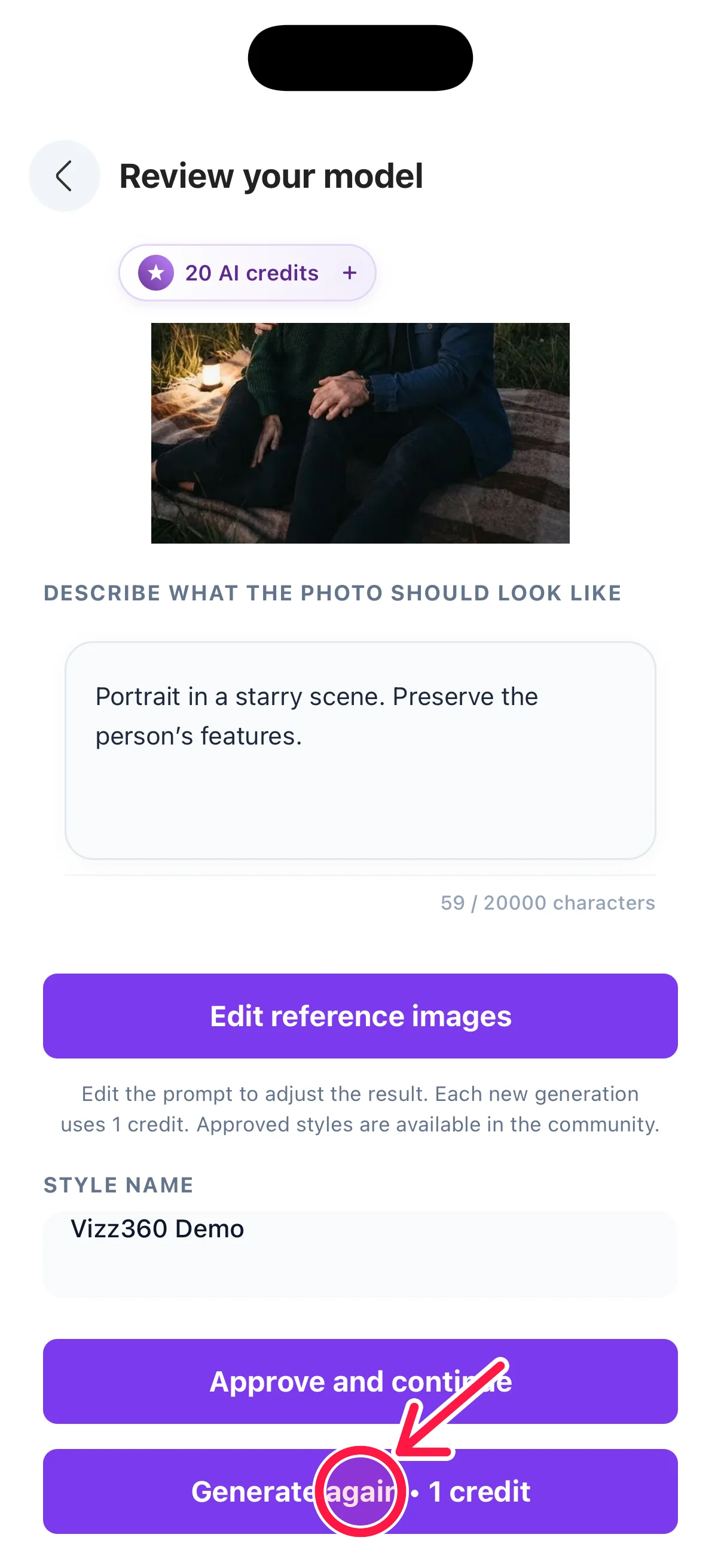
- Review the stated cost before generating again.
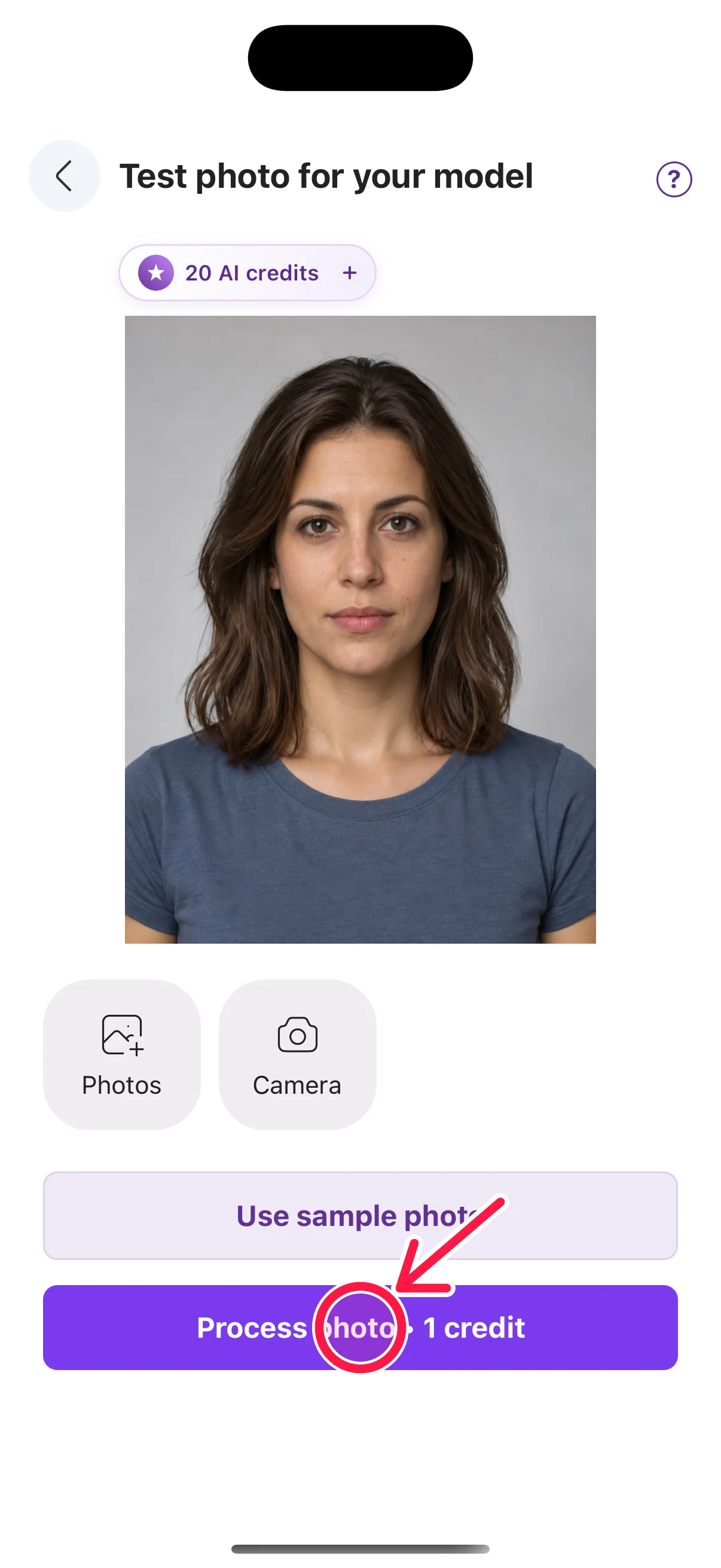
- Check the cost shown on the button before processing a test photo.
Before you start
Use authorized photos and check your balance before generating. Each AI Photo generation uses 1 credit; test on the intended device and format.
How to do it
-
Review input photo, style and result. Identify whether the issue is framing, scene or instructions.
-
Adjust available settings and check your balance. Read the cost on Generate again • 1 credit.
-
Start another attempt and wait for completion. Compare results before choosing the event configuration.
Where to tap in the app
Check the result
Choose settings that work with photos similar to event captures. A new generation is not an exact copy of the previous result.
If something does not go as expected
If generation fails, check the message and balance before repeating. Avoid successive attempts without understanding the previous state.
Quick questions
Does another attempt guarantee correcting the face?
It does not guarantee identical output or automatic correction. Review photo, instructions and result.
Why might my screen look different?
Screenshots use working version 7.39 on iPhone. Controls and access may differ with the installed version, Android, device and plan. Check the path in your app and test before the event.
Continue in the app
Download Vizz360 for iPhone or Android using the buttons below. Prepare a test event and check this procedure before your next booking.
Also read: How to Download the Photo Generated in an AI Photo Test; How to Test AI Photos Before the Party; How to check AI Photos and overlay credits.

Download Vizz360
Record, edit and share 360° videos in seconds, right from your phone. Free download for Android and iOS, with in-app purchases.


Related articles

How to Position and Resize the Kiosk Shutter Button
How to Position and Resize the Kiosk Shutter Button. See the Vizz360 steps, app screens and what to check before using it at an event.

How to Adjust Photo Framing Inside an AI Overlay
How to Adjust Photo Framing Inside an AI Overlay. See the Vizz360 steps, app screens and what to check before using it at an event.

How to Change Your Vizz360 Account Email
How to Change Your Vizz360 Account Email. See the Vizz360 steps, app screens and what to check before using it at an event.