
How to Export Videos That Are Still Waiting to Upload
How to Export Videos That Are Still Waiting to Upload. See the Vizz360 steps, app screens and what to check before using it at an event.



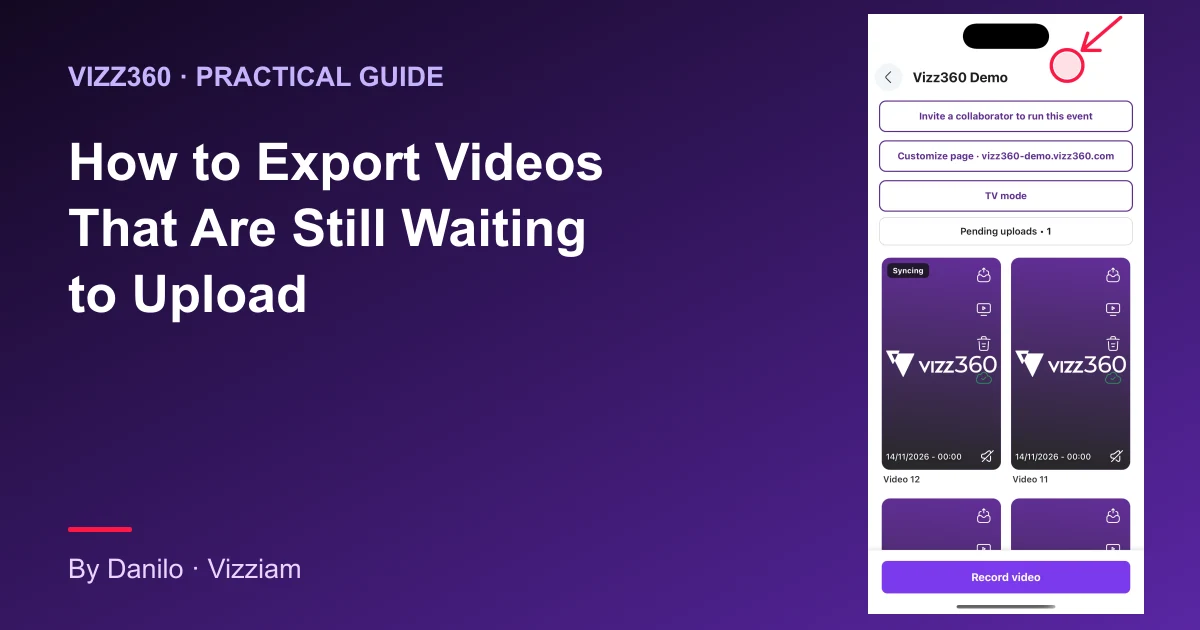
Connection failed and you want a copy before resolving the queue? Pending uploads includes an export action for files available on the device. Use the recording phone while the videos are still stored locally.
Demonstration on the iPhone simulator, using Vizz360 7.39 and sample data. Some controls vary on Android and by plan.
Read the video steps
- Open Pending uploads on the phone that recorded the videos.
- Check the queue and keep the app available to finish uploads.
- If needed, use Export to preserve a copy of pending files.
Before you start
Keep files on the source device during checks. For online access, use internet and check the event’s availability period.
How to do it
-
Open the event on the source device and enter Pending uploads.
-
Find the preserved video in the queue and use Export video or the displayed export action.
-
Choose an available system destination and open the saved copy before cleaning up the phone.
Where to tap in the app
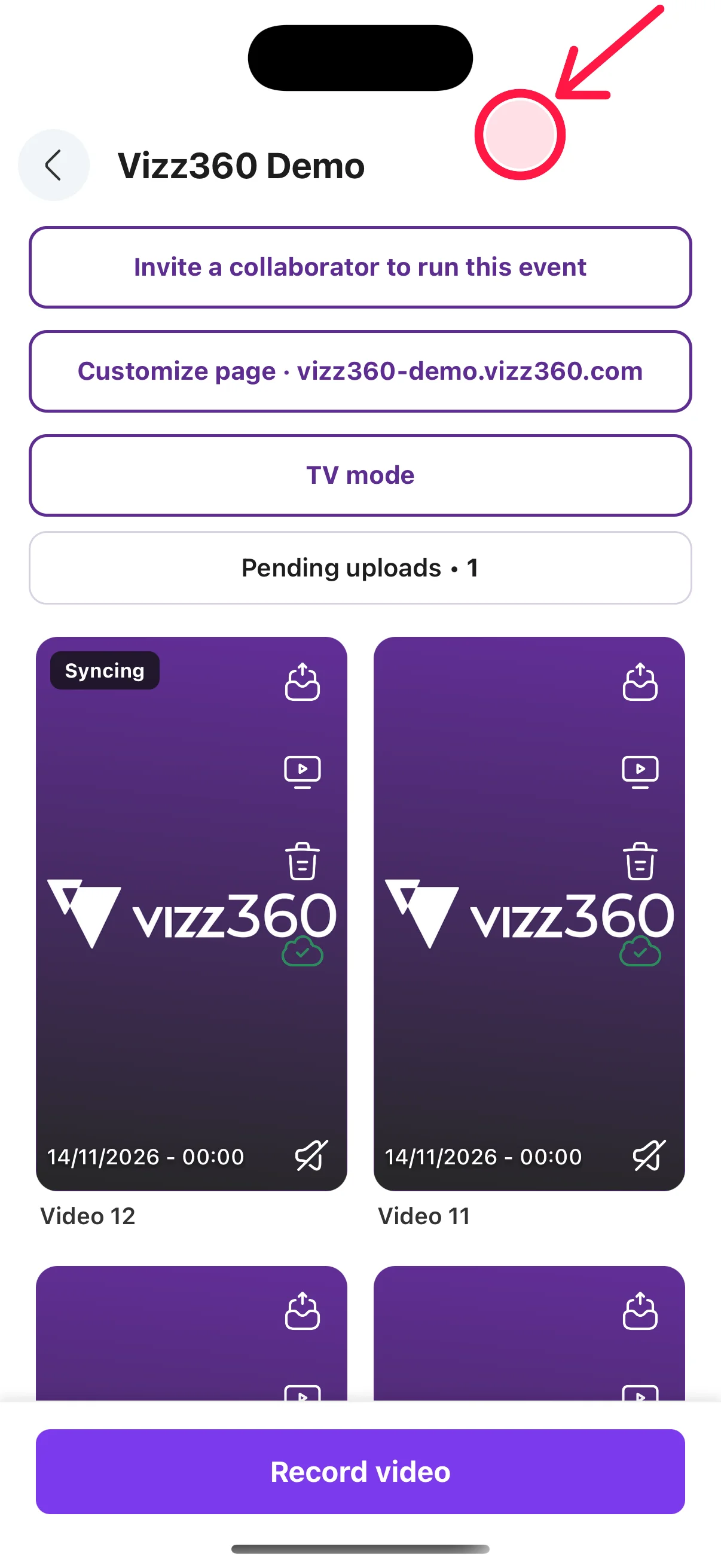
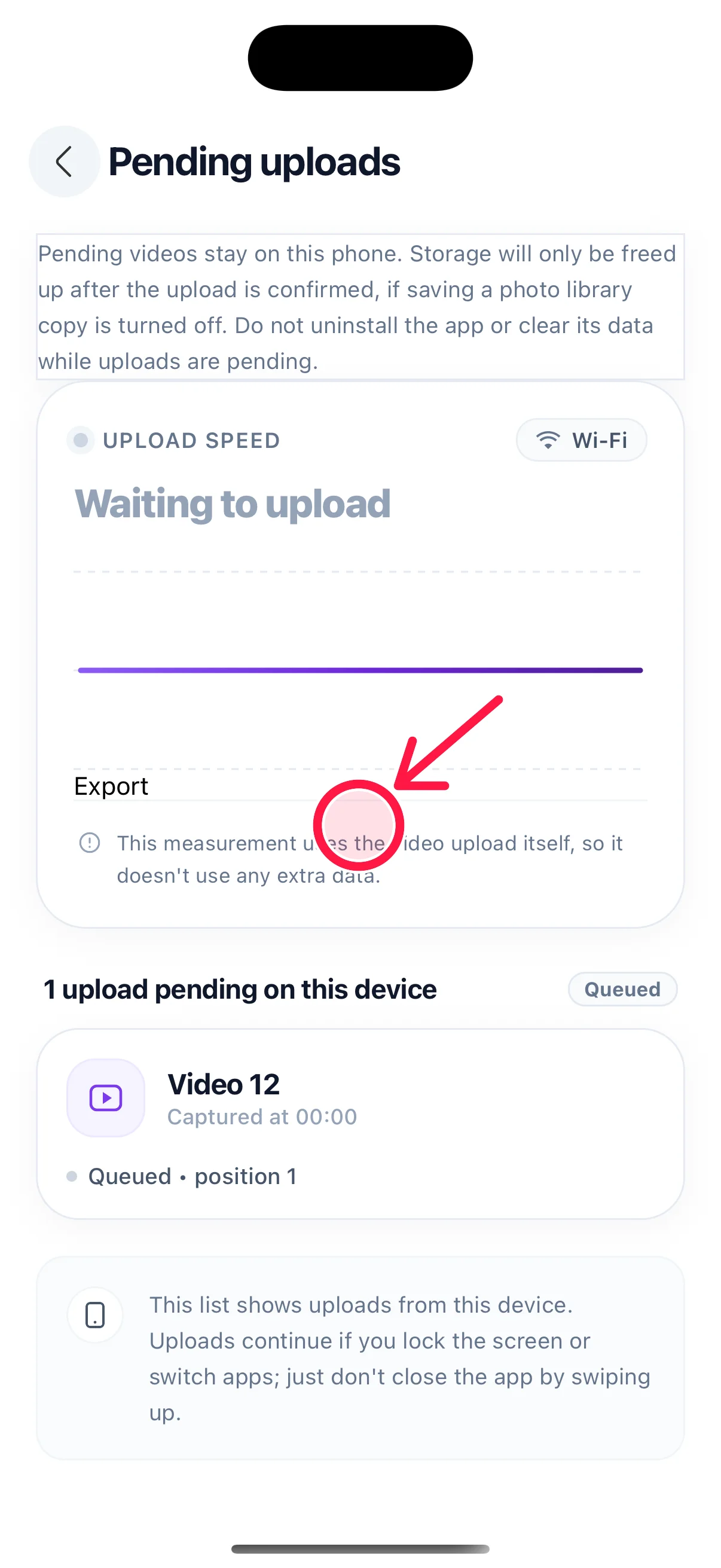
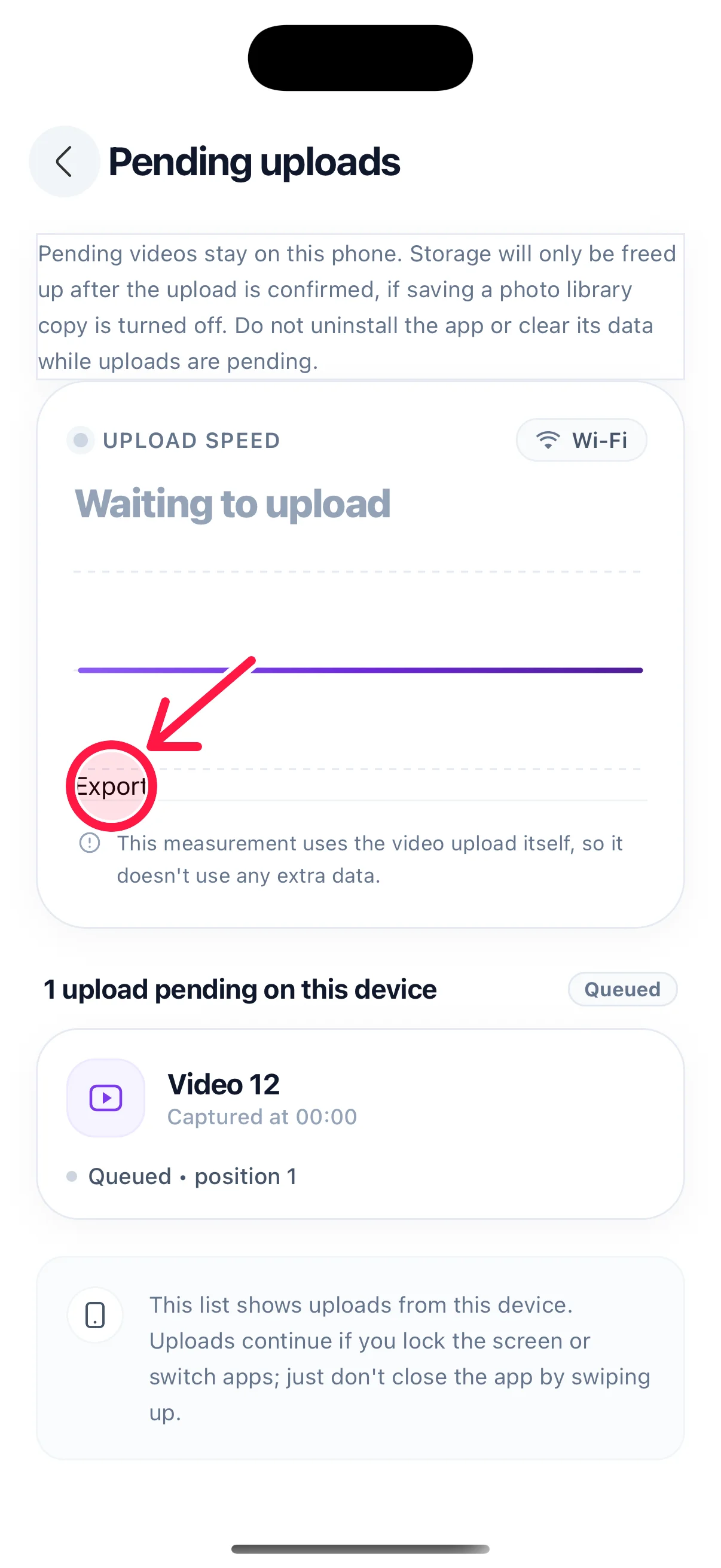
Check the result
Check picture, sound and duration in the copy. Then restore connectivity to complete any remaining upload.
If something does not go as expected
If export is unavailable, check that the file remains on this device. Do not reinstall the app to try to recover a local queue.
Quick questions
Does exporting finish the online upload?
No. Exporting preserves a copy; link availability depends on completing the cloud upload.
Why might my screen look different?
Screenshots use working version 7.39 on iPhone. Controls and access may differ with the installed version, Android, device and plan. Check the path in your app and test before the event.
Continue in the app
Download Vizz360 for iPhone or Android using the buttons below. Prepare a test event and check this procedure before your next booking.
Also read: Video not showing up in the link? Check pending uploads; How to save Vizz360 videos to your phone’s photo library; How long do videos stay in the Vizz360 cloud?.

Download Vizz360
Record, edit and share 360° videos in seconds, right from your phone. Free download for Android and iOS, with in-app purchases.


Related articles

How to Position and Resize the Kiosk Shutter Button
How to Position and Resize the Kiosk Shutter Button. See the Vizz360 steps, app screens and what to check before using it at an event.

How to Adjust Photo Framing Inside an AI Overlay
How to Adjust Photo Framing Inside an AI Overlay. See the Vizz360 steps, app screens and what to check before using it at an event.

How to Change Your Vizz360 Account Email
How to Change Your Vizz360 Account Email. See the Vizz360 steps, app screens and what to check before using it at an event.