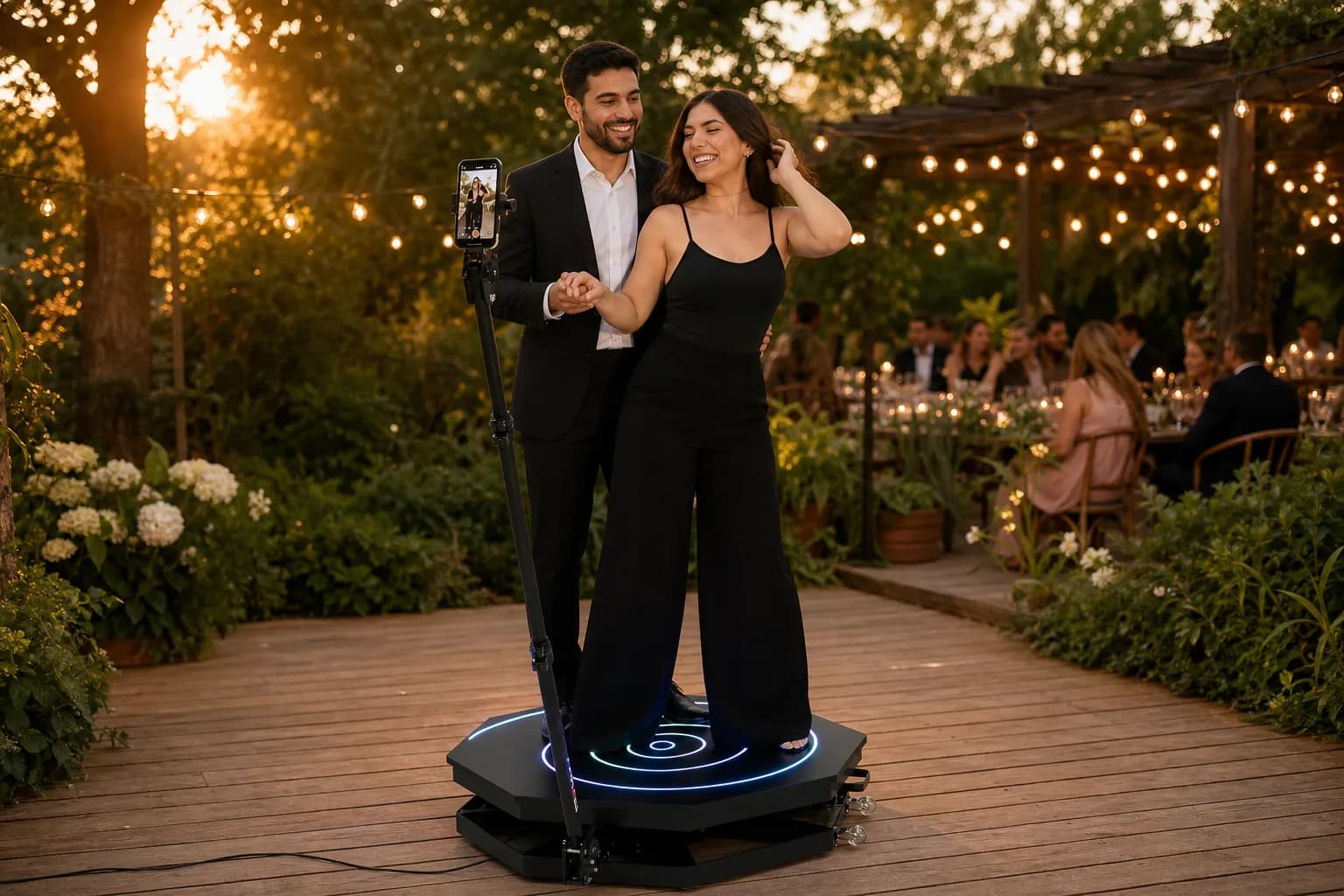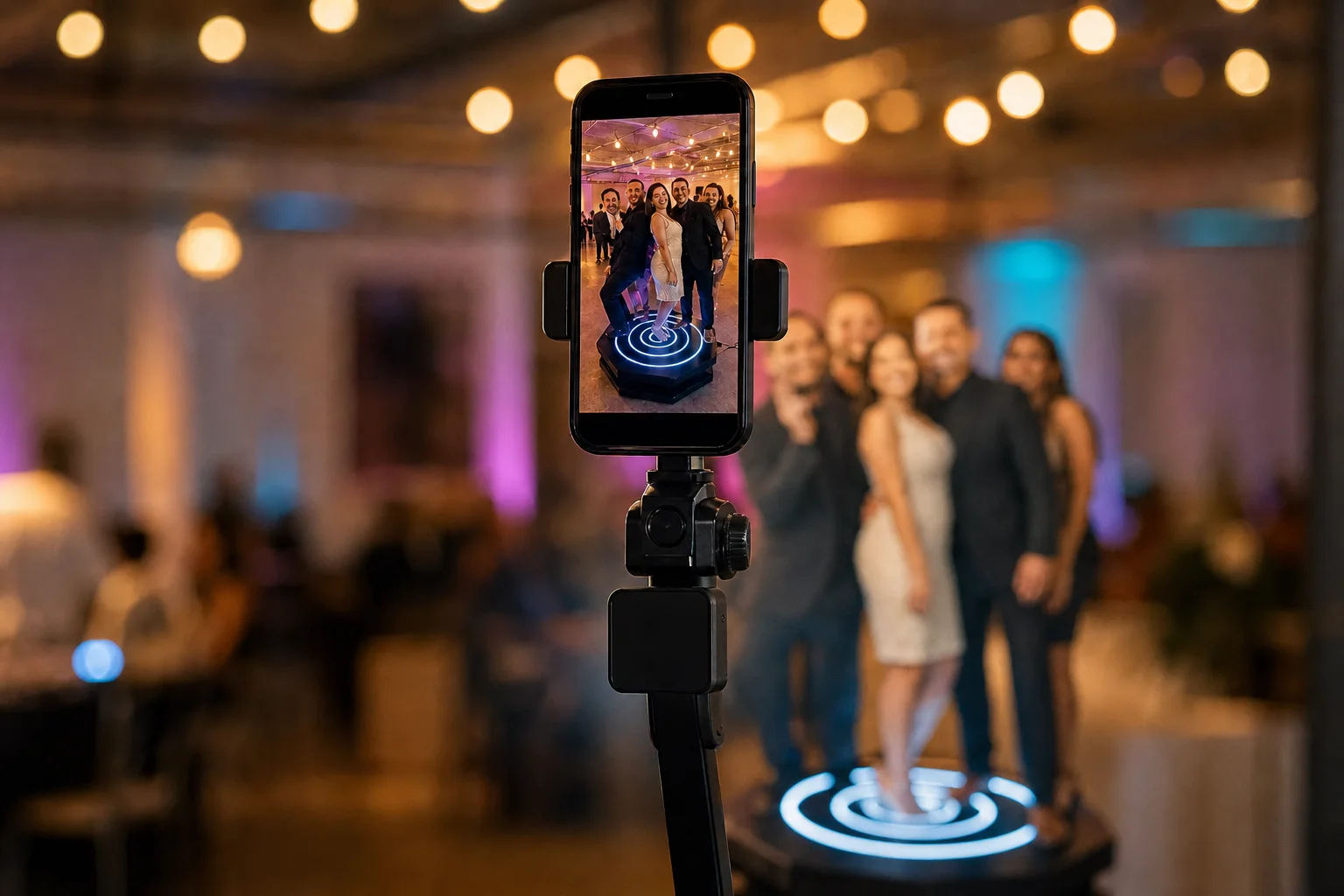

Start recording automatically when the platform spins, add slow and fast motion, AI frames and your music, and deliver every video by QR code, even offline.
From a new event to the video on your guests' phones, in four steps.
1
Create the event
Add a name, date and event type, then pick your equipment: 360 photo booth, photo totem or LED infinity tunnel.
2
Set up the video
Choose the recording length, the speed effect, the frame and the event song.
3
Auto-record on spin
Mount the phone on the booth arm. With auto-start, Vizz360 detects the spin with the motion sensor and starts recording on its own. You calibrate the sensor just once. A timer is there too.
4
Deliver instantly
The video is processed on the phone with frame, music and effects, and guests get it by QR code, WhatsApp, AirDrop or link.
Slow motion, fast motion and reverse
Control the speed of the start, middle and end of every video. Use ready-made combos like 2x > 0.5x > 2x, fine-tune each part, and turn on reverse playback.
Speed by segment
Ready-made or custom effects
Reverse video
Recording length you choose
AI frames in seconds
Describe the frame you have in mind, pick a style and layout, and AI creates it for your event. Then fine-tune it in the editor. Each AI frame uses one credit, sold in packs inside the app. You can also use your own frames or community frames.
3D, cartoon, watercolor and pixel art styles
Full frame, sides or diagonal
Editor with text, elements, eraser and layers
Community frames
Record, process and share offline
No signal at the venue? Vizz360 keeps working: it records and processes videos on the phone, and guests download them straight from your device over a local Wi-Fi network. All you need is a router plugged in, no internet. When you reconnect, files upload to the cloud on their own.
On-device processing
Offline sharing by QR code
Local router, no internet
Automatic upload on reconnect
Guests get their video instantly
Show the QR code or send by WhatsApp, AirDrop or link. Event files land in an online gallery, and guests don't need to install anything.
QR code
WhatsApp and AirDrop
Link and online gallery
No app to install
An event report for your client
When the event ends, build a report with its photos and videos, pick a template and download it as a PDF to hand to your client. A professional touch that helps you get booked again.
Essential, Pulse and Impact templates
PDF ready to deliver
Event photos and videos
Work as a team without sharing your password
Invite a collaborator to run an event. You choose which events they can access and until when, and you see every device connected to your account. Photos and videos from all devices land in the same event.
Invite collaborators
Access by event, with an end date
Device manager
Events synced in the cloud
And much more
Your music in every video
Import your MP3 songs: the app recognizes the title, artist and album cover.
Photo totem and LED tunnel
Besides the 360 booth, use the same app with your photo totem and LED infinity tunnel.
Storage alerts
See free and used space while you record, so the event never stops.
Available in 25 languages
Your team uses the app in their language, and you can switch it anytime in the profile.
Plans and prices in your country
Download for free and use every feature. When you want to remove the watermark from your videos, choose a weekly, monthly or yearly plan.
Android (Google Play)
Weekly
Monthly
Yearly
iPhone & iPad (App Store)
Weekly
Monthly
Yearly
Reference prices from each store. The final amount appears in the store before you subscribe.